Hears
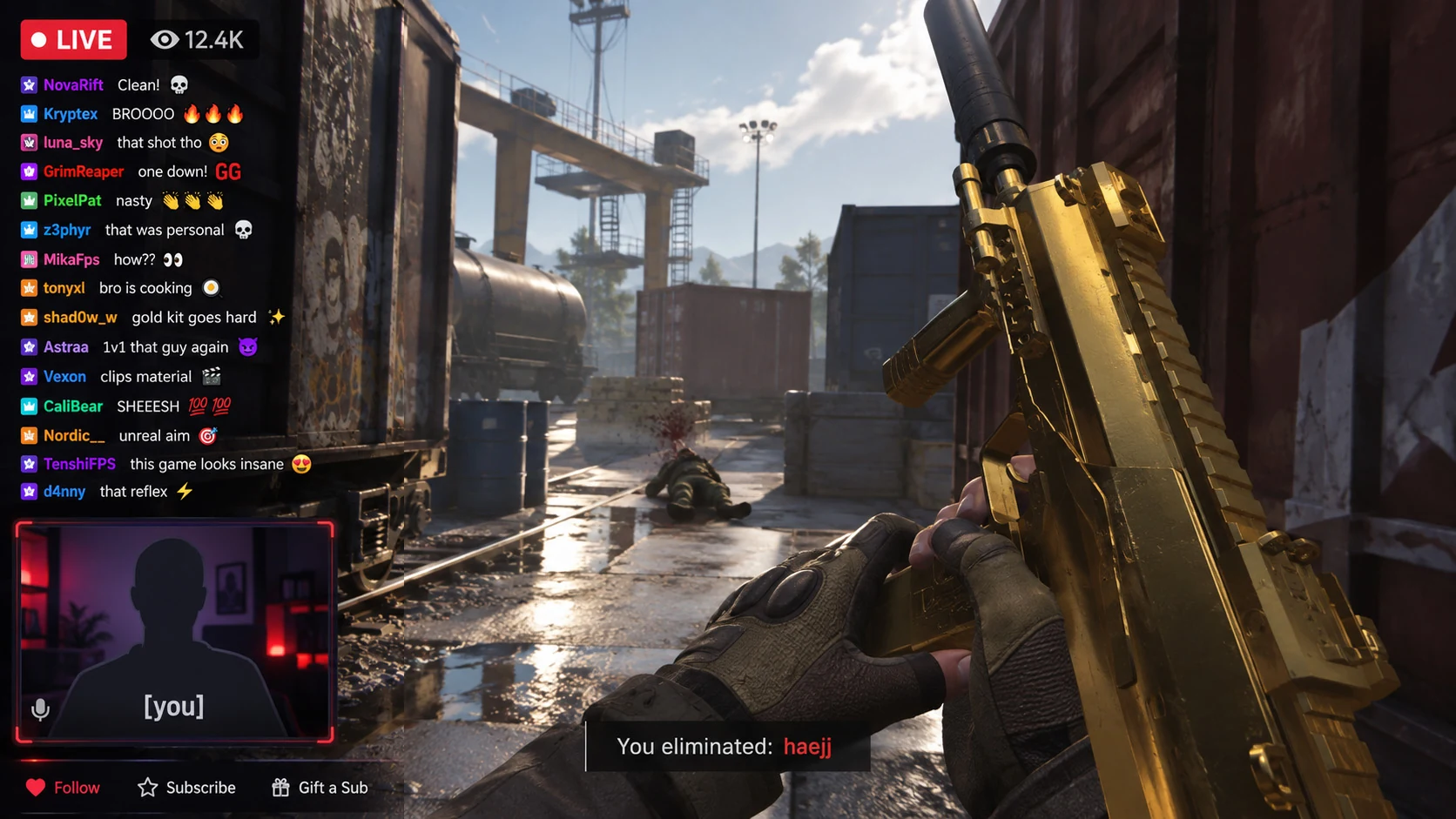
Speech transcribed and split by speaker. It even flags lines that were probably never said.
Taperat turns your gameplay recordings and VODs into a library you can search. Find moments by what was said or shown, then save it or share it.
Works with the videos you already have. Your originals stay untouched.
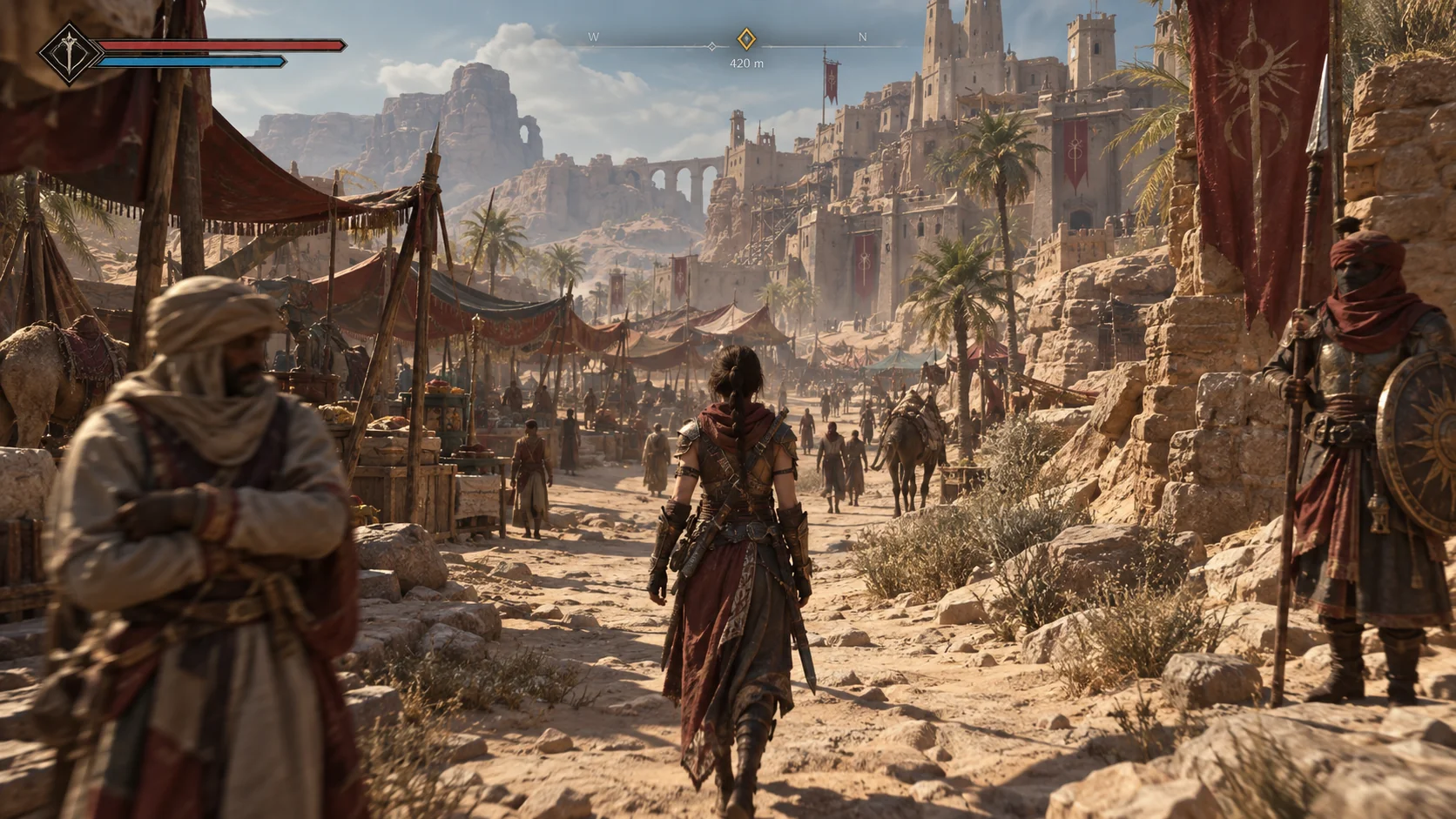
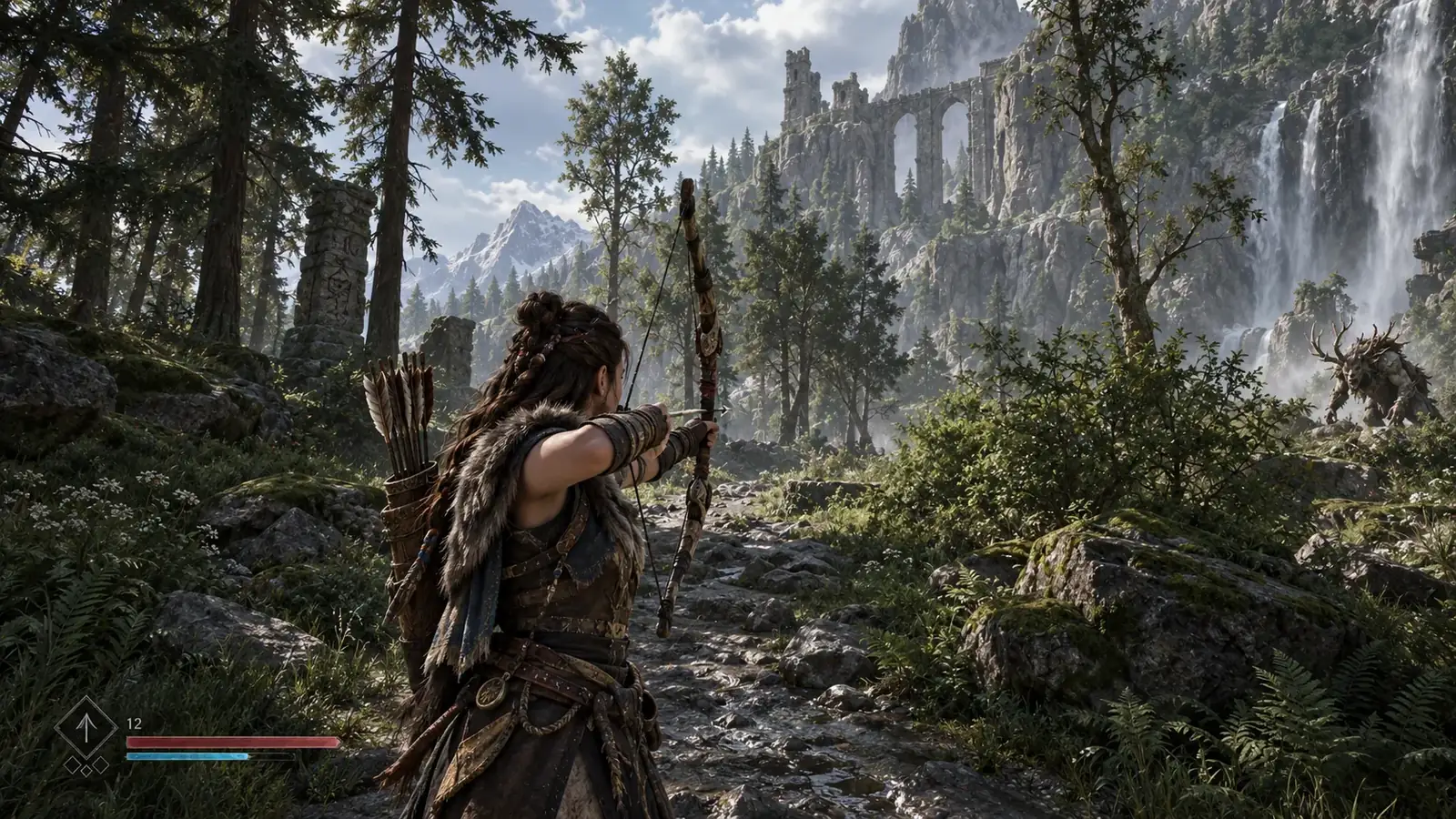
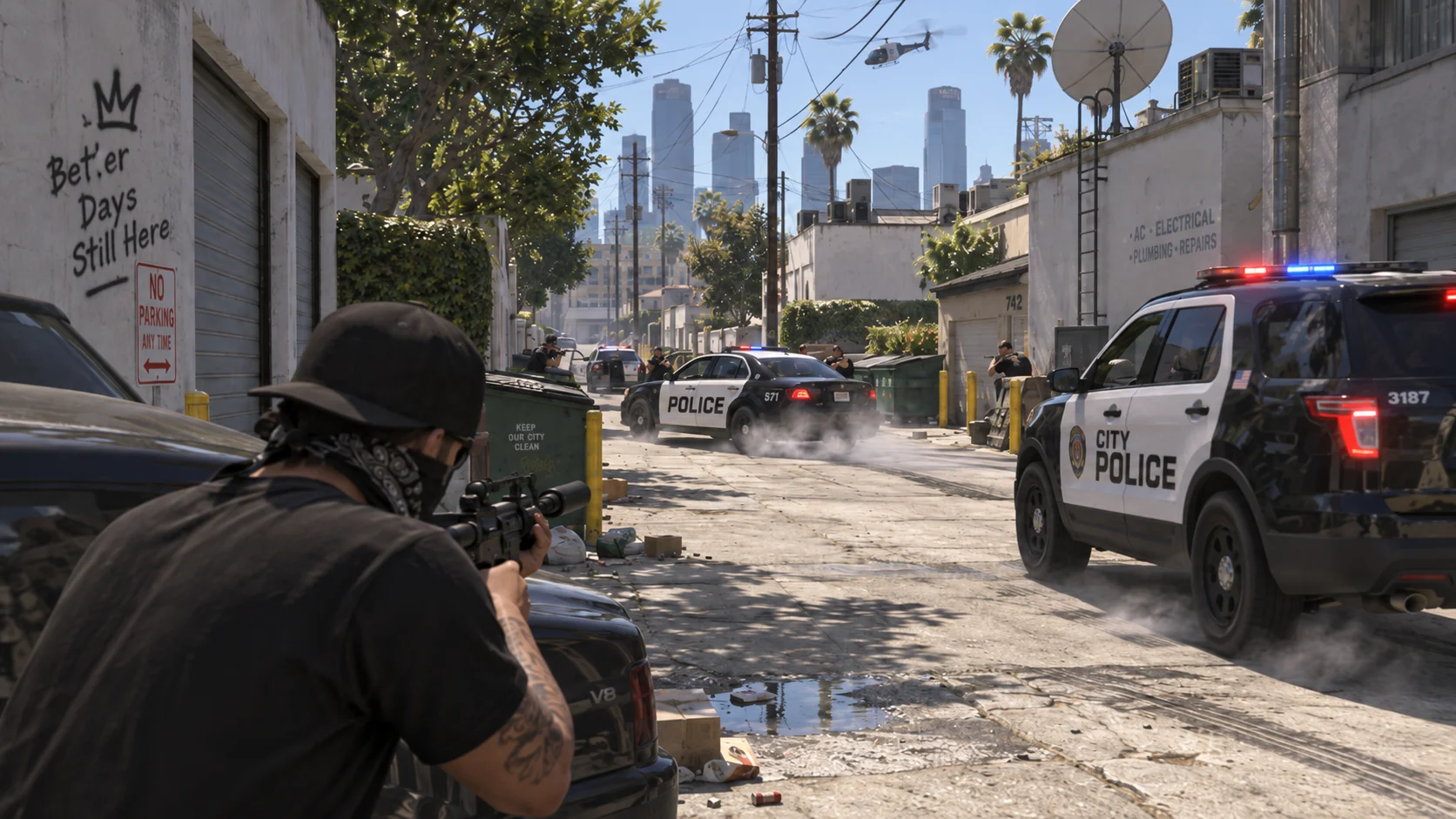
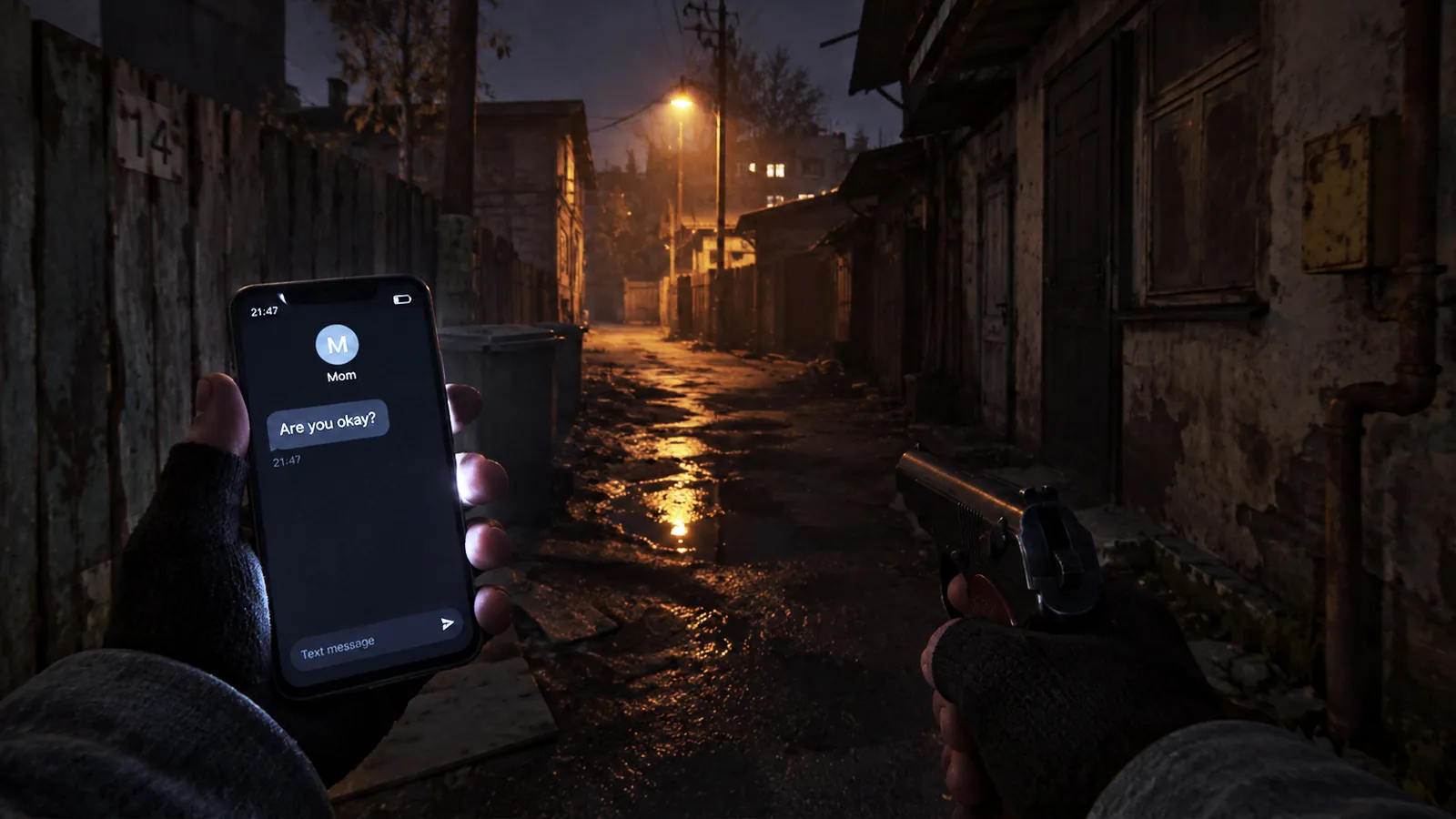
Example: finding a moment in a recording
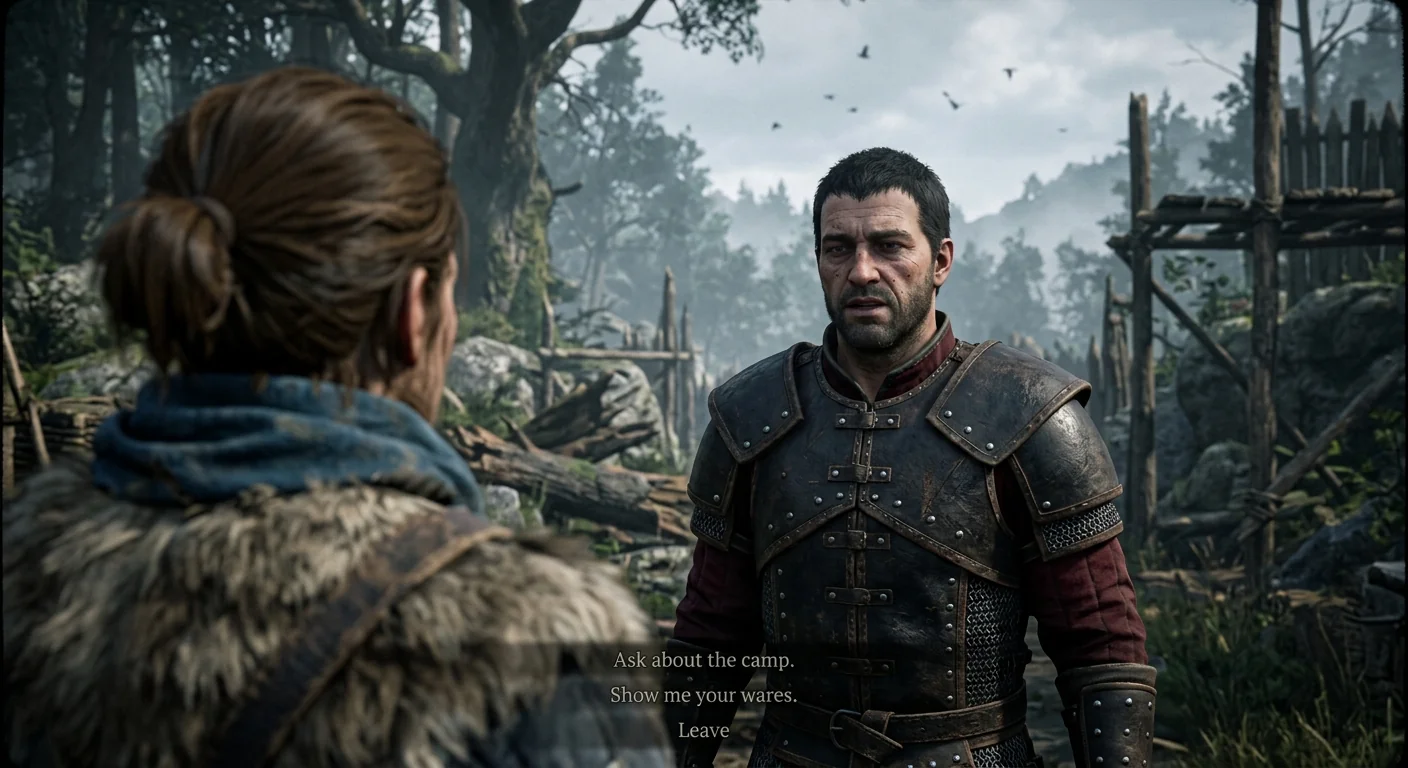
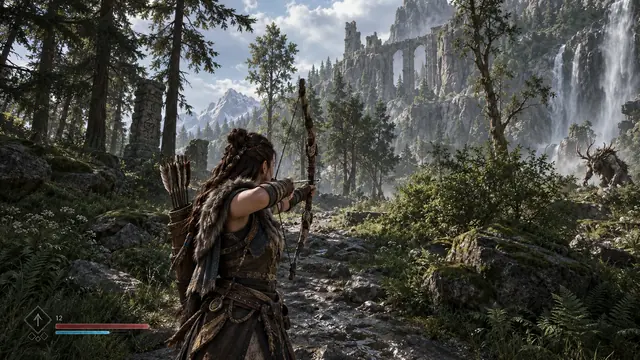
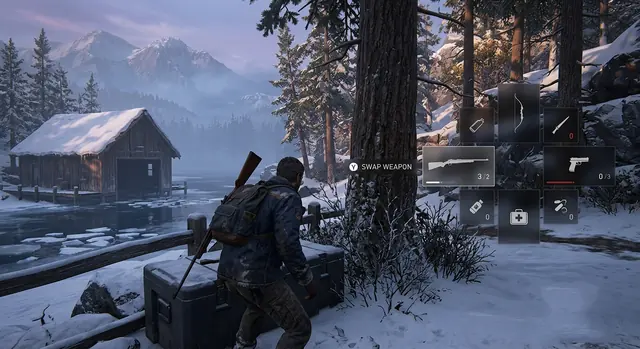
AI-generated game footage. The games are fictional.
Point Taperat at your folders or drop files in. Nothing is moved or copied.
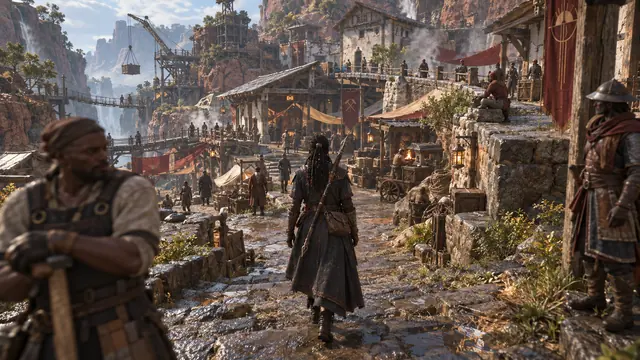
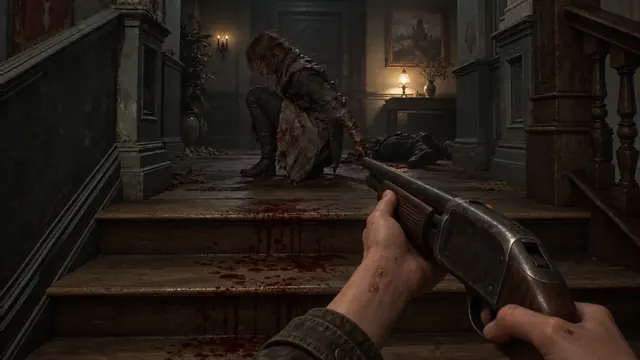
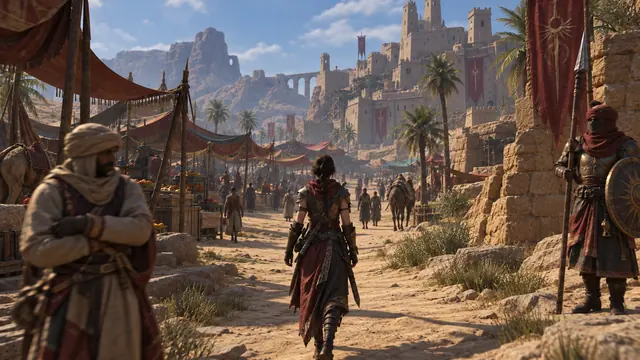
Turn speech into text, or let the Perception Engine read the screen, listen and split it into scenes.
Find dialogue, on-screen text and events. Save slices, export clips or send them to your editor.
Our in-house engine brings transcription, screen reading and local AI models together to make sense of your recordings: who is talking, what is on screen and what happens. Nothing is uploaded.
Runs locally, on your PC. The Perception Engine never uploads your footage. Working under NDA? You can use it.
Speech transcribed and split by speaker. It even flags lines that were probably never said.
Subtitles, names, player nicknames, places, quests and choices, read straight off the screen.
Local AI models join it all up into scenes and markers.
You stay in charge: nothing it finds enters your library until you keep it. Transcripts come with every plan; the Perception Engine comes with Studio.
Simple on the surface. Powerful when you need it.
Save as many moments as you like. The video stays one file.
Landscape or vertical. Original quality, VP9 or AV1.
16:99:16Send slices to DaVinci Resolve Studio or Premiere Pro with exact in and out points.
Put a night of recordings on one timeline and mark where things happened.
Connect a compatible assistant through MCP Bridge and let it find and sort scenes for you.
Cloud assistants receive the files they work on.
Find every scene with Maya and put them in a collection.
Found 14 scenes. Collection “Maya” created.
MCP BridgeTaperat watches your recorder’s folder while you play. One shortcut shows your new recordings right over the game: cut a slice, name it, drop it in a collection, and you’re back in.
OBS, ShadowPlay, Steam or anything that saves video to a folder.
A small note in the corner. The panel only opens when you ask.
Taperat never touches the game. It only watches the folder.
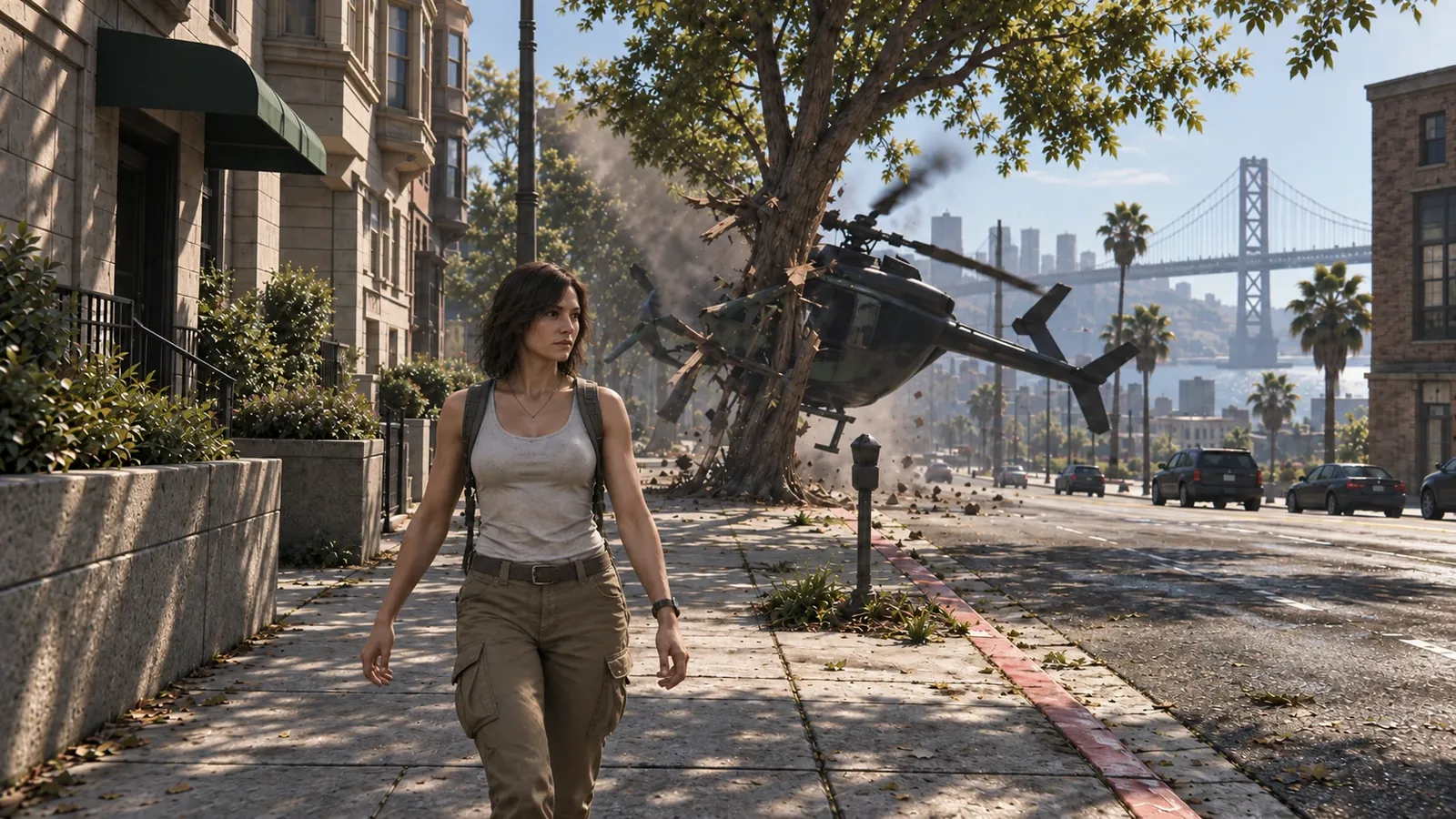
Transcription and the Perception Engine run on your computer. Working under NDA? You can use them.
Taperat never moves, renames or edits your files.
Slices point to the moment. They don’t copy it.
Connecting an external agent or AI assistant that runs in the cloud shares your files with that service. For footage under NDA, keep MCP Bridge off or use an assistant that runs on your PC.
Windows beta. Studio pricing will be announced later.
Find, keep and share your best moments.
Download link coming soon.Everything Taperat can do.
Available soon.Everything in Free, plus
Your recordings can stay on any drive, including external and network storage. No NVIDIA card needed.
No. Keep using OBS, ShadowPlay or your favourite recorder. Taperat organises the videos they create.
No. Your files stay where they are, unchanged. Slices point to moments, and exporting creates a separate clip.
No. Transcription and the Perception Engine run on your PC, so they are fine for footage under NDA. You only need the internet once, to download the models. The one exception is MCP Bridge: if you connect an AI assistant that runs in the cloud, it shares your files with that service.
DaVinci Resolve Studio and Adobe Premiere Pro 26.3 or newer. Slices arrive on a new timeline or at the playhead.
The Free plan covers transcripts, up to 150 slices, sessions of up to 10 recordings, markers and clip export. Studio pricing hasn’t been decided yet.