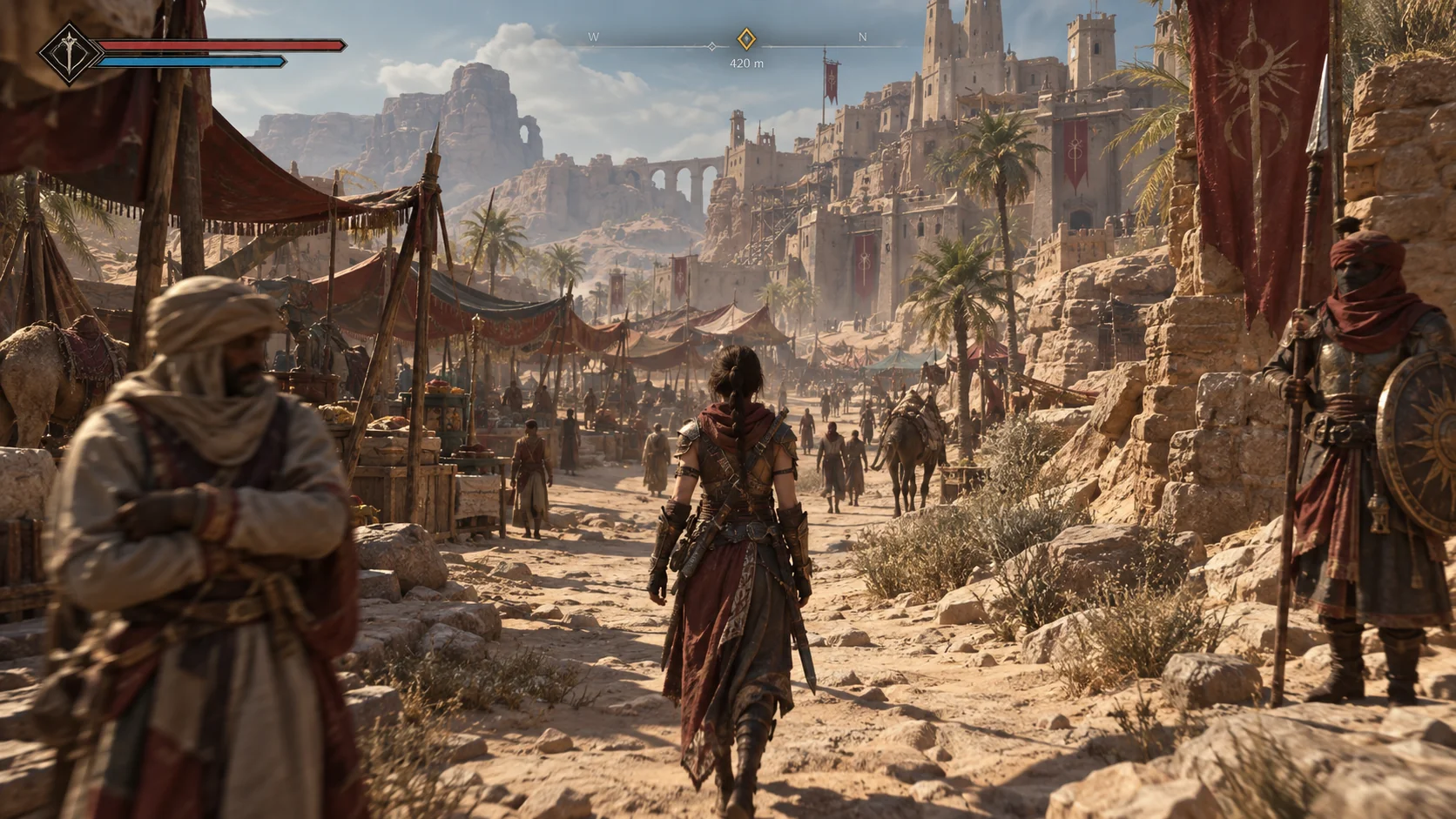
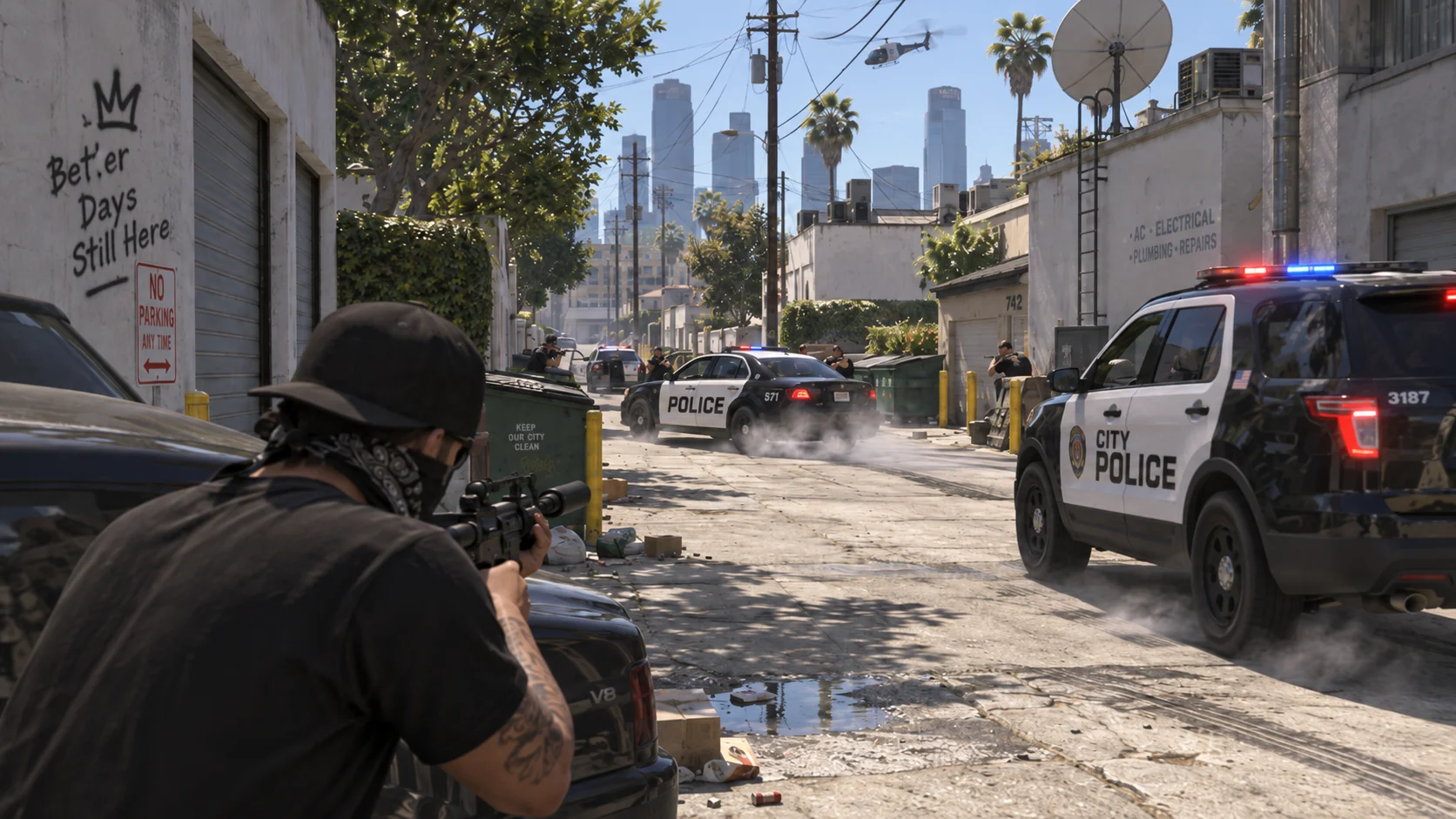
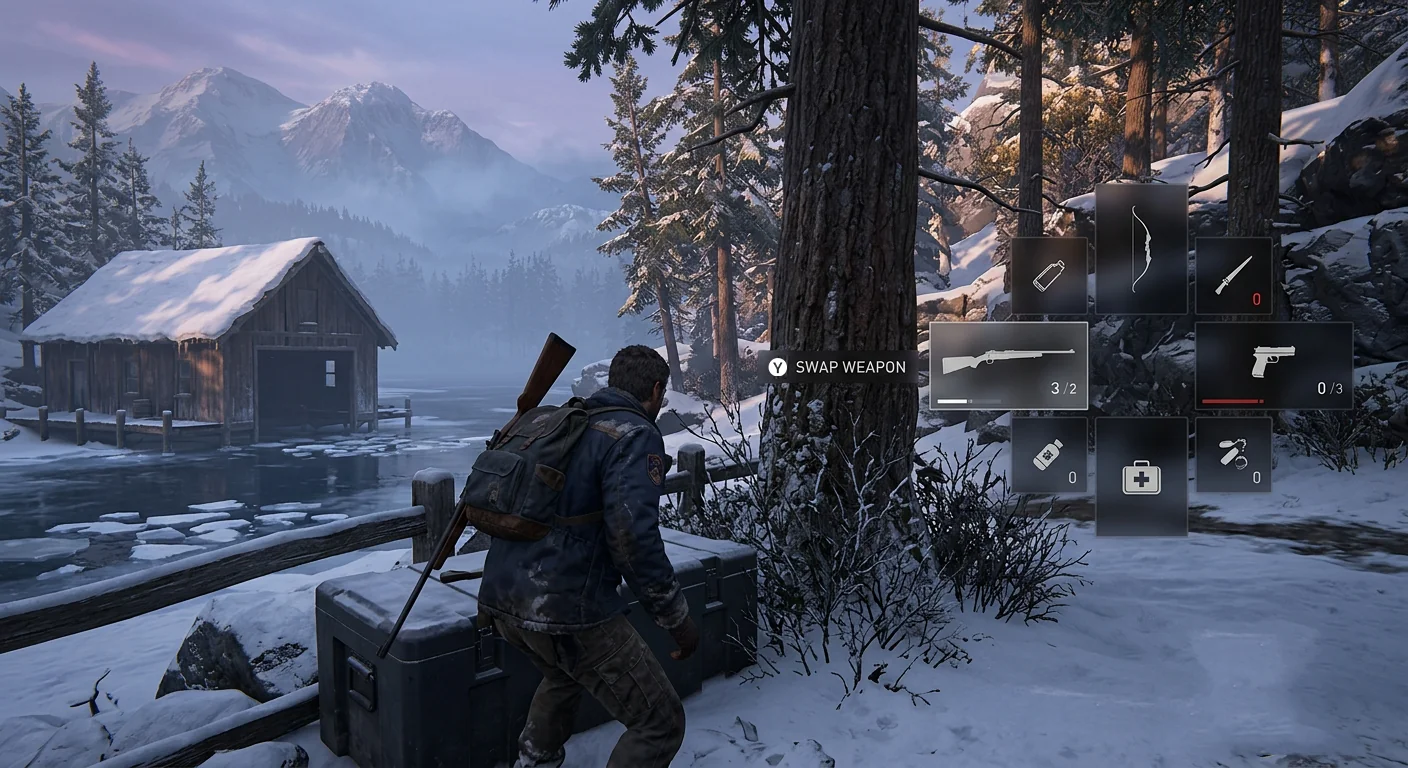
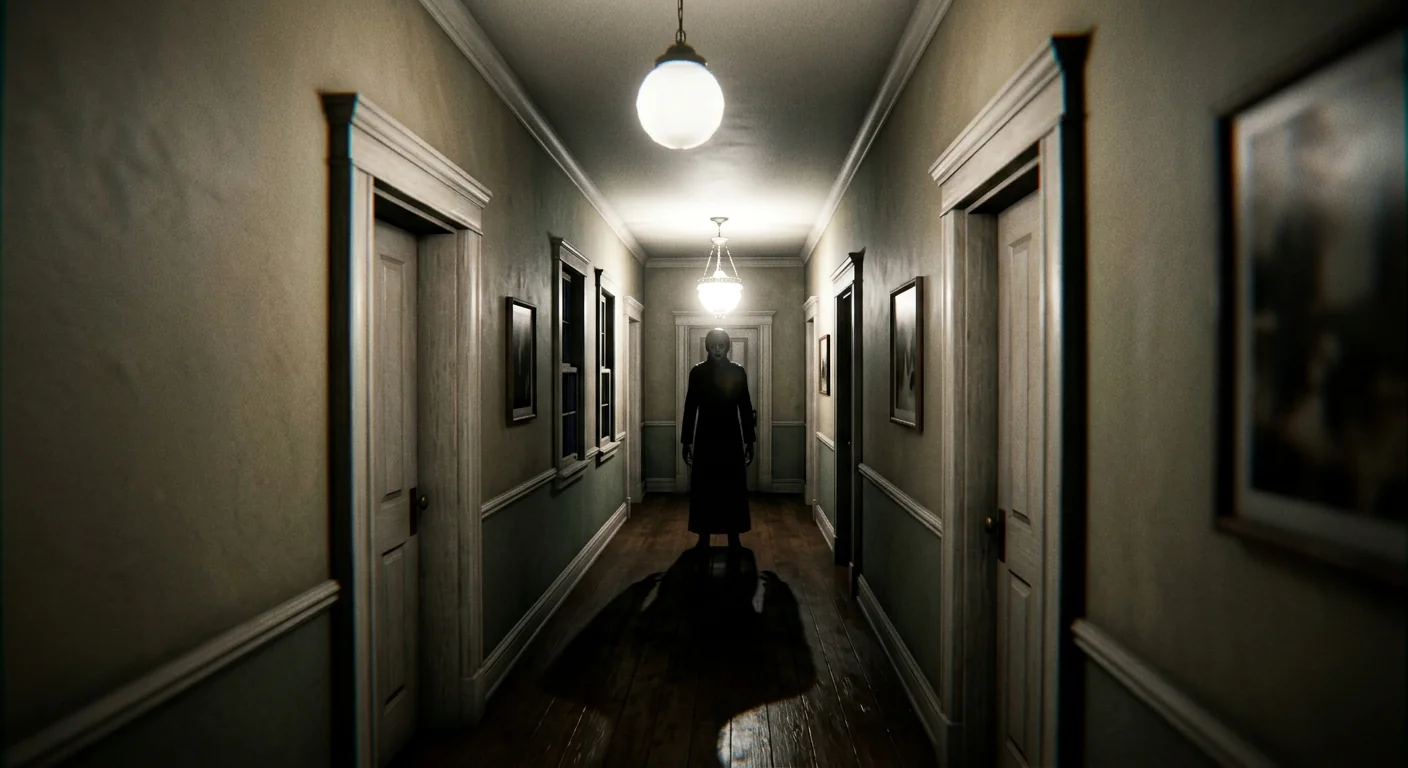
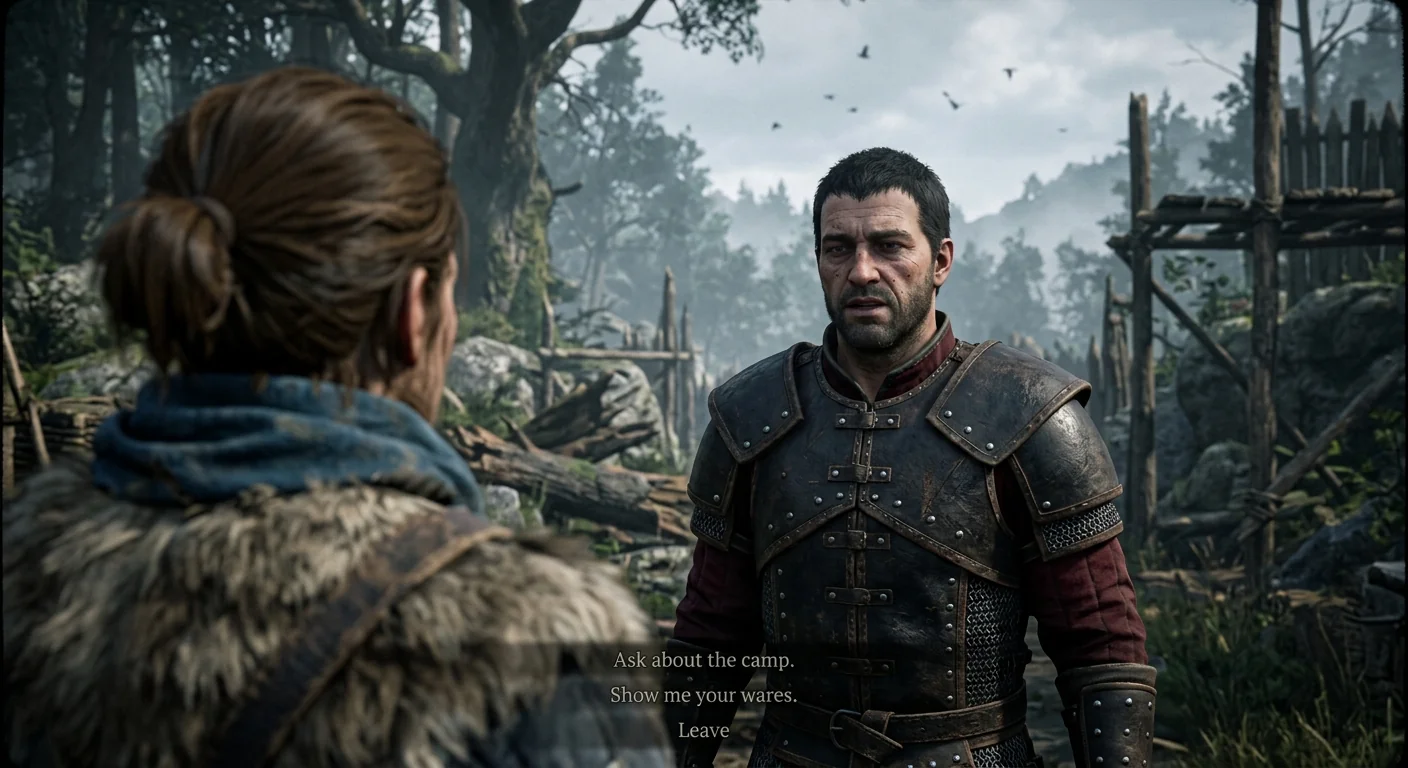
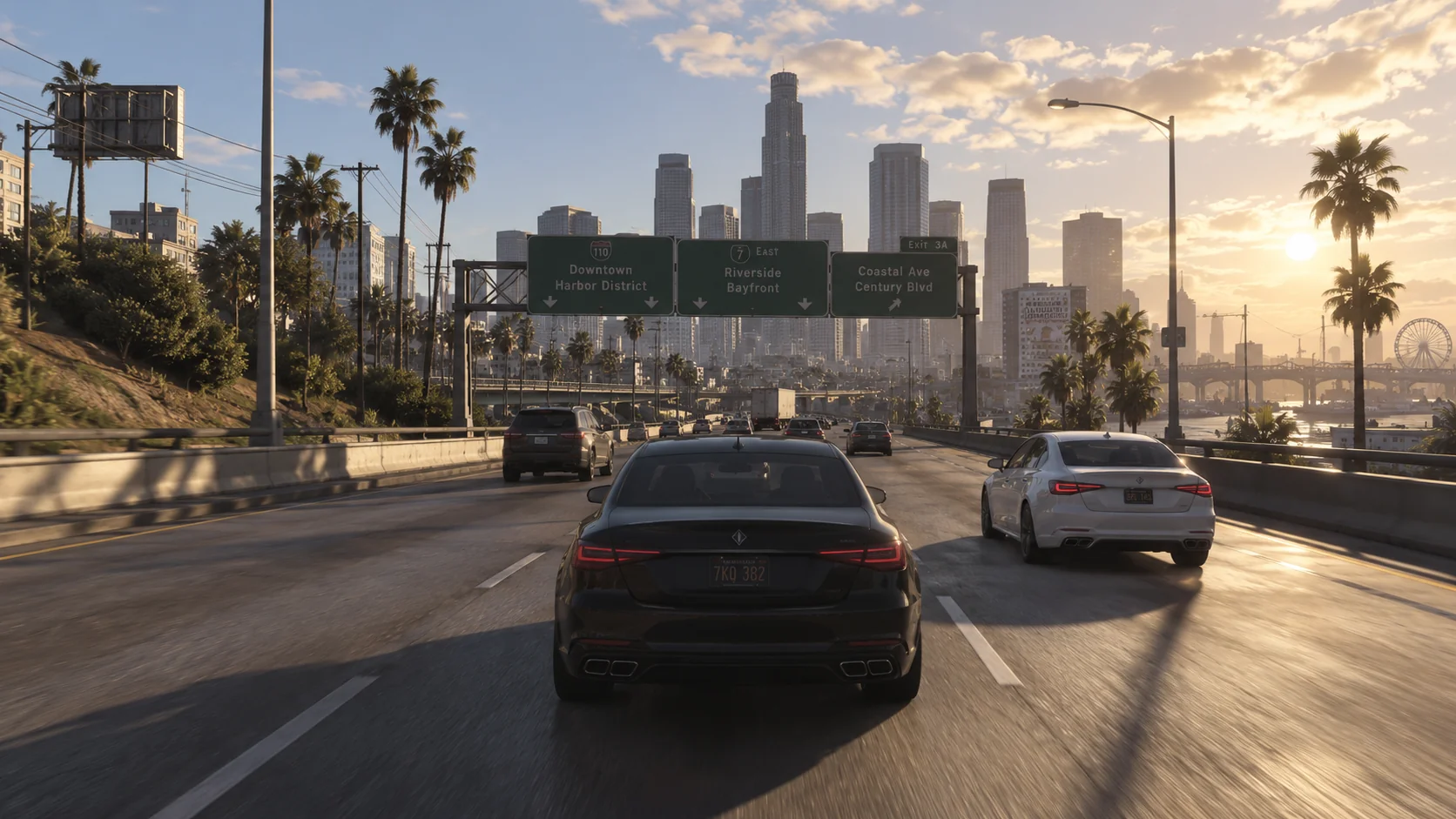
For the gameplay you already record.

Find the good bits.
Make a clip.
Share it.

See all your gameplay recordings in one place, pick a moment, and export a clip to share.

Keep your favourite recorder. Your original files stay untouched.
taperatOne moment worth keeping
Example gameplay: a desert outpostSands of Orra Recordings / Story Hidden passage
00:1200:18
6 sec
One clip. Ready to share.Export the moment, keep the original.
Exported clip
Illustrated workflowSynthetic gameplay for showcase purpose
Your recordings, togetherEasy to find againClips ready to share
01 / Find it

Your whole recording history.
One place to look.

Last night’s game. Last month’s adventure. Bring your recording folders together and browse the good stuff without opening every file.

Scan your library, drag in recordings, or let Recording Detection add new ones as you record.

GamesRecordings
StorySidemissions

Drag recordings into the folders you choose.

Your recording history
All recordingsAcross your folders
24:18
Hidden passageSands of OrraYesterday
Moment saved
18:42
One more roundSmash'n'lieYesterday
32:06
A little exploringNorthwatchLast week
41:20
Back to the outpostSands of OrraLast week
15:38
The wrong doorHollow HouseLast month
28:54
Camp conversationIron ValeLast month
Example library · Grid or list, your choiceSynthetic gameplay for showcase purpose
02 / Keep it. Share it.

Keep the moment.
Skip the rest.

Mark where it starts and ends. Give it a name. Export just that bit as a landscape or portrait clip—ready to share wherever you like.

Saved moments are called slices. Keep them in your library to use again; export a video file only when you want one.

What can I export?

Export in 16:9 or 9:16. Vertical clips can have blurred or black backgrounds. Keep original quality without re-encoding when possible, or use VP9 / AV1.

You do not need a separate video editor to export a clip.

taperatOne moment worth keeping
Example gameplay: a desert outpostSands of Orra Recordings / Story Hidden passage
00:1200:18
6 sec
One clip. Ready to share.Export the moment, keep the original.
Try the two export formatsSynthetic gameplay for showcase purpose
Try the full three-step walkthrough
01 / Import your files

Same recordings. A much better view.

Start with the recording folders you already have. taperat adds them to your library without moving the files.

Scan your entire recording library at once, drag and drop recordings into your taperat folders, or let Recording Detection add them automatically as you record.

Browse in a grid or list, create your own folders and subfolders, and move recordings between them whenever you like. Organise your library your way.

File Explorer
Recordings / Sands of Orra
NameLength
Sands_of_Orra_01.mp424:18
Sands_of_Orra_02.mp418:42
Sands_of_Orra_03.mp432:06
taperatYour library
Sands of Orra
Sands_of_Orra_01.mp424:18 · Recording
Sands_of_Orra_02.mp418:42 · Recording
Sands_of_Orra_03.mp432:06 · Recording
Interactive illustration · No files are uploaded or changed.Synthetic gameplay for showcase purpose
Made for my footage. And yours.

I kept losing the good moments, too.

I’m Karol — GRApedia and DIG: Details in Gaming. I made taperat because I kept losing good moments in folders full of recordings. I wanted to find them, keep them, and use them again. Now I’m sharing it with you.

Say hello
Making longer videos?

Your next edit starts here.

Whole sessions, searchable dialogue, and moments ready for your editor.

Explore the creator workflow
Your recordings are a good place to start.

Try it with your own footage.

A free, limited version will also be available for basic needs.

Download and purchase links coming soon.
Will it run on my PC?
Before you download

What you’ll need.

Organising clips takes less power than analysing hours of footage. Here’s a simple guide to choosing your setup.

Windows 10 or 11 · 64-bitWindows 10 version 1809 or newer. Windows 11 recommended.
Windows beta
Your everyday library

Organise & clip

Add recordings, create sessions, and save your favourite moments as slices.

Memory
8 GB RAM16 GB if you keep taperat open while gaming.
Processor
4 coresA 64-bit processor. 6–8 cores recommended.
Free space
1 GB + cacheKeep the library and preview cache on an SSD.

A comfortable setup: 16 GB RAM, a 6–8 core processor, and an SSD.

More context from your footage

Transcribe & analyse

Transcription makes speech searchable. Perception Engine uses diarisation and OCR to improve the text and assign speakers automatically.

Memory
16 GB RAM32 GB recommended for a comfortable analysis setup.
Processor
6 cores with AVX2AVX2 is a processor feature; check your CPU’s specifications.
Model space
2–4 GB extraAllow 2 GB for models, or 4 GB with the largest speech model.

A comfortable setup: 32 GB RAM and a processor with 8+ cores / 16 threads, plus the library’s storage and playback requirements.

Your recordings can stay put.

A hard drive, external drive, or network storage is fine for your footage. An SSD is recommended for taperat’s library and cache.

Keep your favourite recorder.

Use OBS, ShadowPlay, or your existing recording software. taperat organises the videos they create.

Start with a smaller model.

On a 4-core Windows PC, choose “base” or “small” for transcription. Larger models need more memory and take longer.

What about graphics and 4K footage?

Your graphics hardware should support playback of the format you record in, especially for 4K video. Look for hardware decoding for H.264, HEVC, or AV1 in its specifications.

Windows transcription and OCR use the processor, so an NVIDIA card or CUDA is not required. A compatible Vulkan graphics card can help with speaker separation. For the desktop app, use a 1080p display or higher; 1440p gives you more room.

Do I need an internet connection?

You’ll need it to download speech and analysis models initially; the largest speech model is about 3.1 GB. Once downloaded, transcription and OCR run locally.

For cloud-assisted analysis through MCP Bridge, you’ll also need a compatible MCP client and an internet connection. The cloud model runs with that provider; data you choose to share is handled by them.

These guidelines describe hardware needs. Actual resource use depends on your recordings and the analysis models you choose.

A couple of good questions.

Does taperat record my gameplay?

No. Keep using OBS, ShadowPlay, or your favourite recorder. taperat helps you organise and use the videos they create.

Will it change my original recordings?

No. Your files stay where they are. Saved slices reference the moments you choose; exporting creates a separate clip.

Can I search what someone said?

Yes. Search your transcripts for a spoken line and jump straight to its moment.