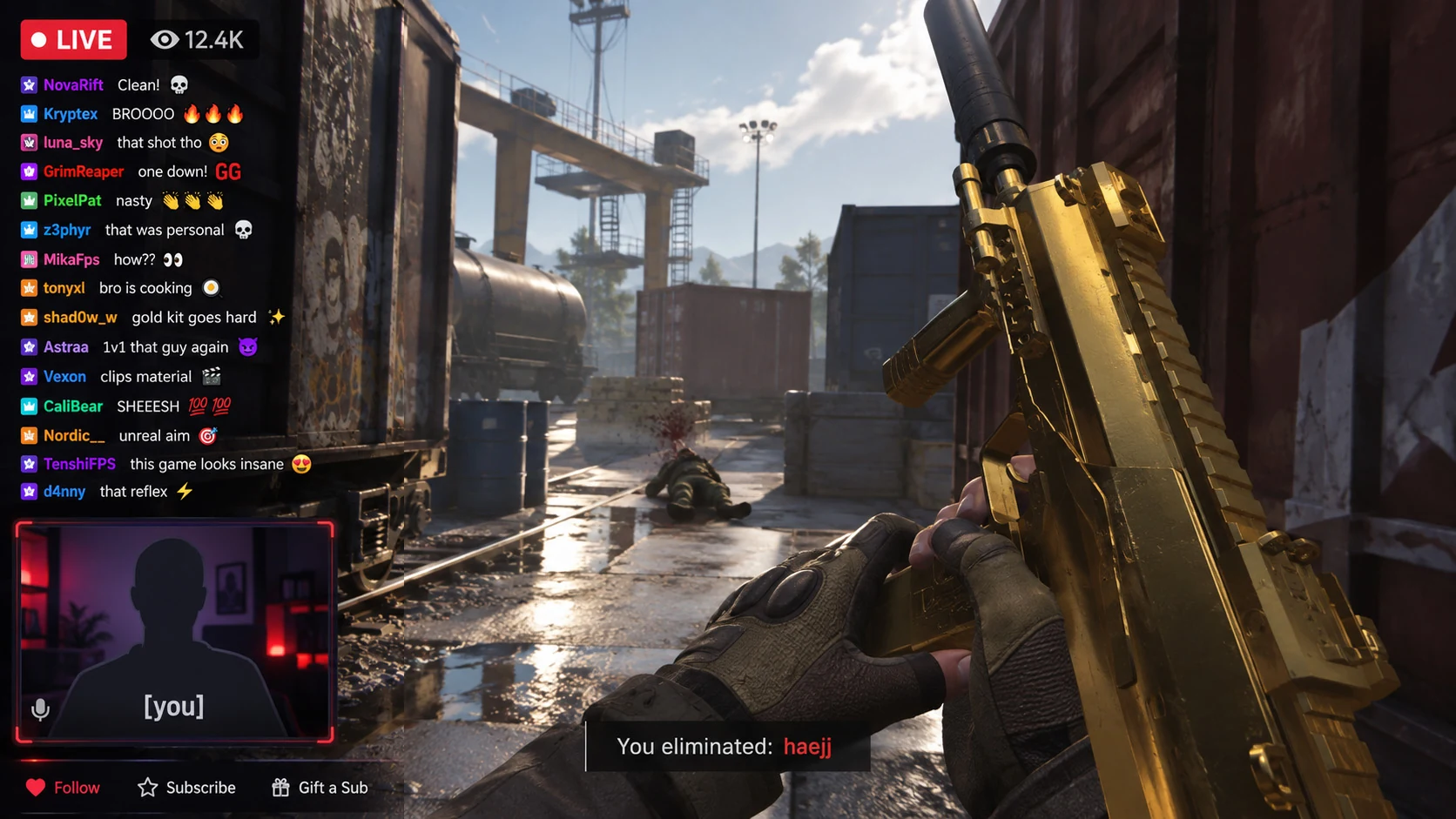
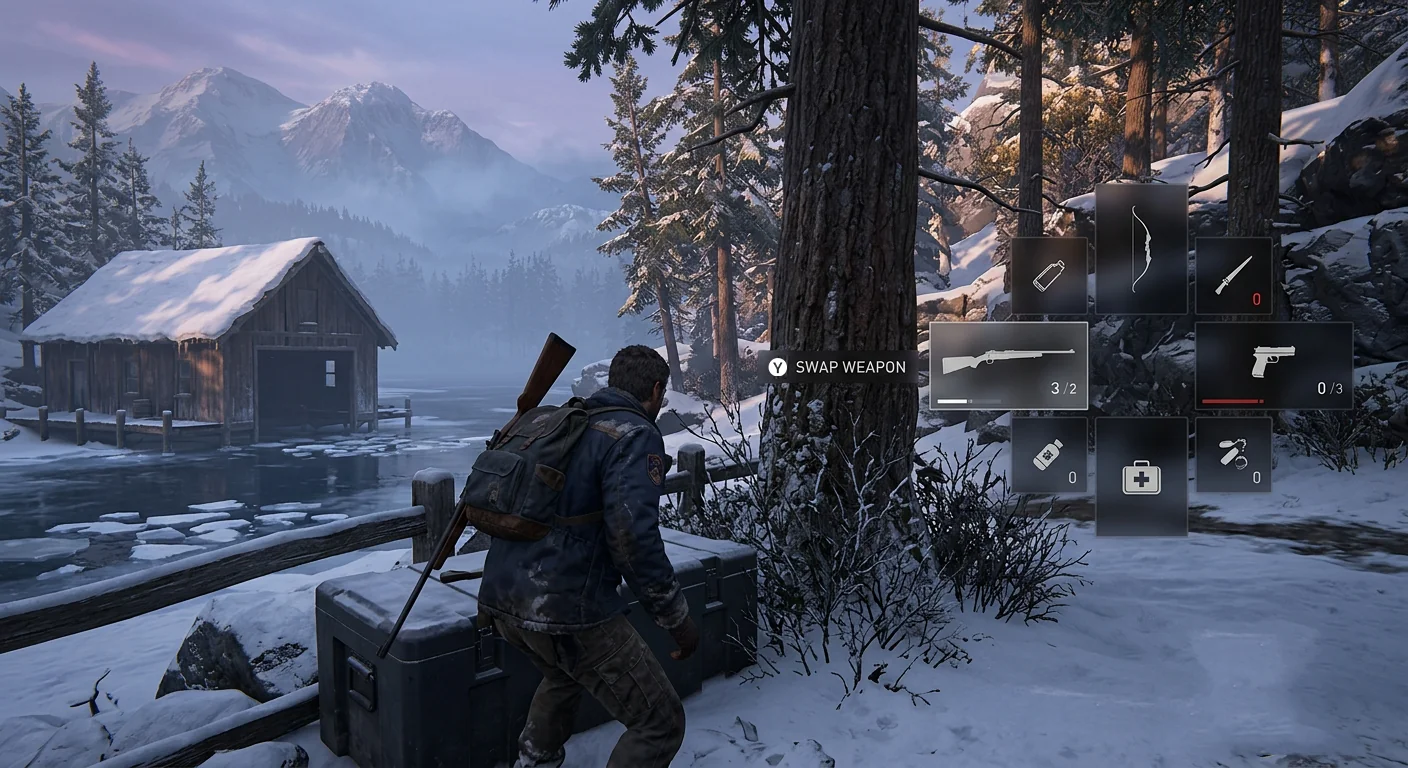
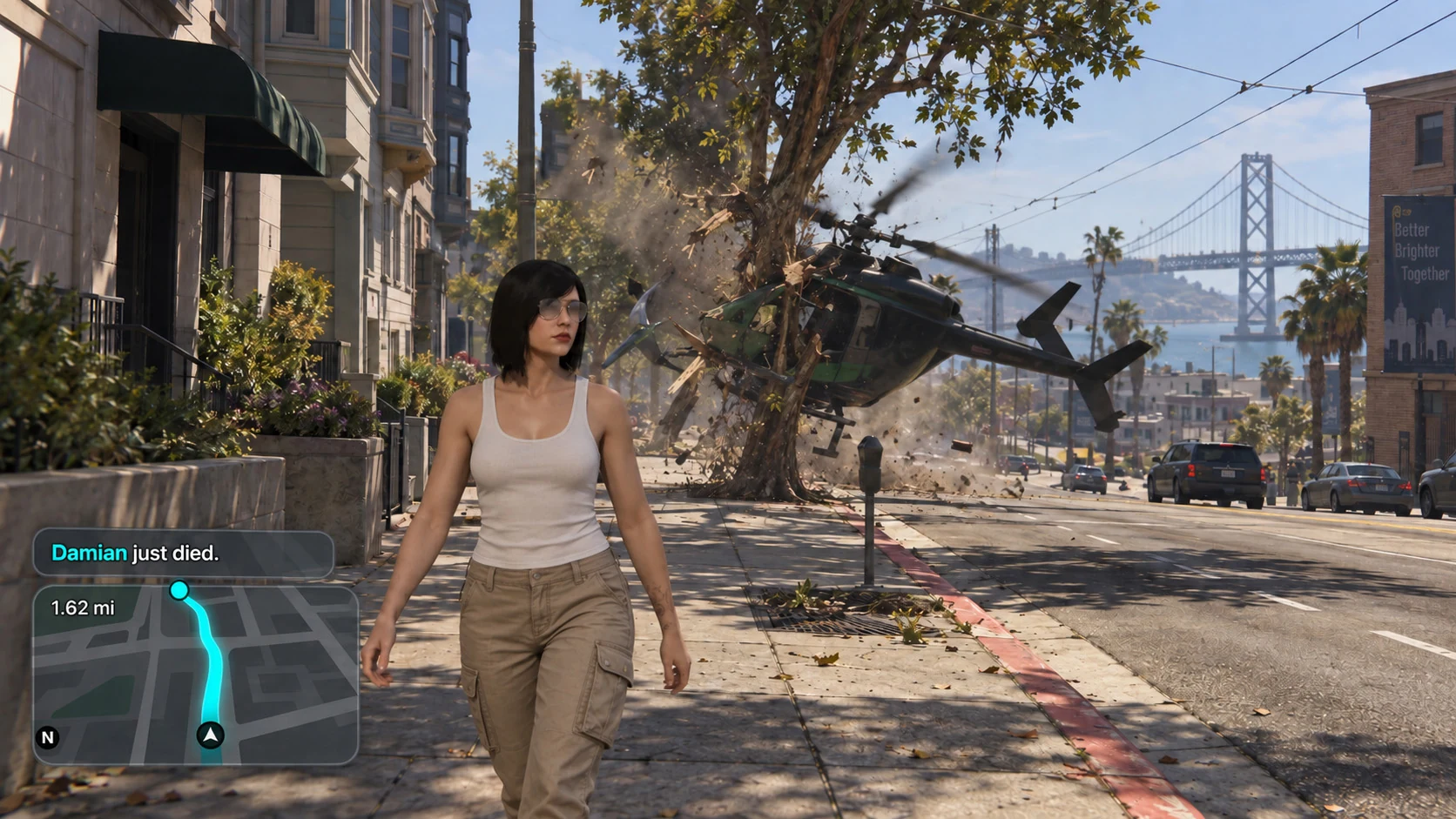
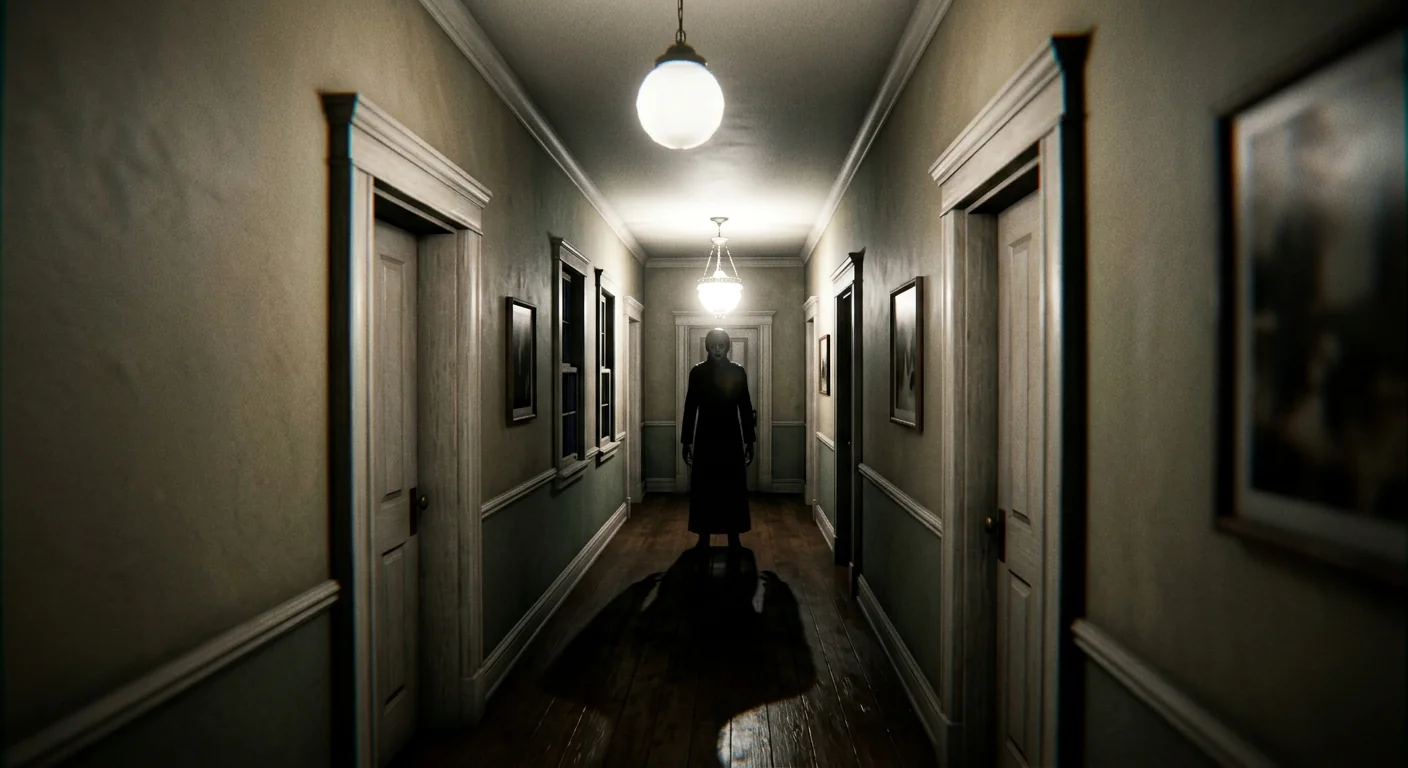
Choose your workflowFor gamers

Find the good bits.
Make a clip.
Share it.

Turn the gameplay recordings you already have into a library. Find the moment, save it once, and export it whenever you need it.

Save the good bit as a slice. Pick its start and end, give it a name, and keep it in your library without duplicating the video.

Export a clip for your crew. Turn that slice into a separate video in source quality, VP9 or AV1. Share a landscape clip or go vertical.

Keep your favourite recorder. Your original files stay untouched.
taperatOne recording. One slice. Ready to share.

Example gameplay: a city highway escape at sunset
Recordings / Highlights
Highway escape
Pick a momentSave a sliceExport
Original recording1 min 15 sec
Keep just 12 seconds
Save the moment, not another video
Highway escape
12sec
Export just the sliceHighway_escape.webm · VP9 · 12 secOne separate clip, ready for your crew.
Saving slices doesn’t copy your videos. Exporting creates only the clip you want to share.
Illustrated workflowSynthetic gameplay for showcase purpose
Your recordings, togetherEasy to find againClips ready to share
01 / Find it

Your whole recording history.
One place to look.

Last night’s game. Last month’s adventure. Bring your recording folders together and browse the good stuff without opening every file.

Drop in your entire recording folder. Scan your library, drag and drop recordings, or let Recording Detection add new ones as you play.

GamesRecordings
StorySidemissions

Drag recordings into the folders you choose.
Your recording history
All recordingsAcross your folders
24:18
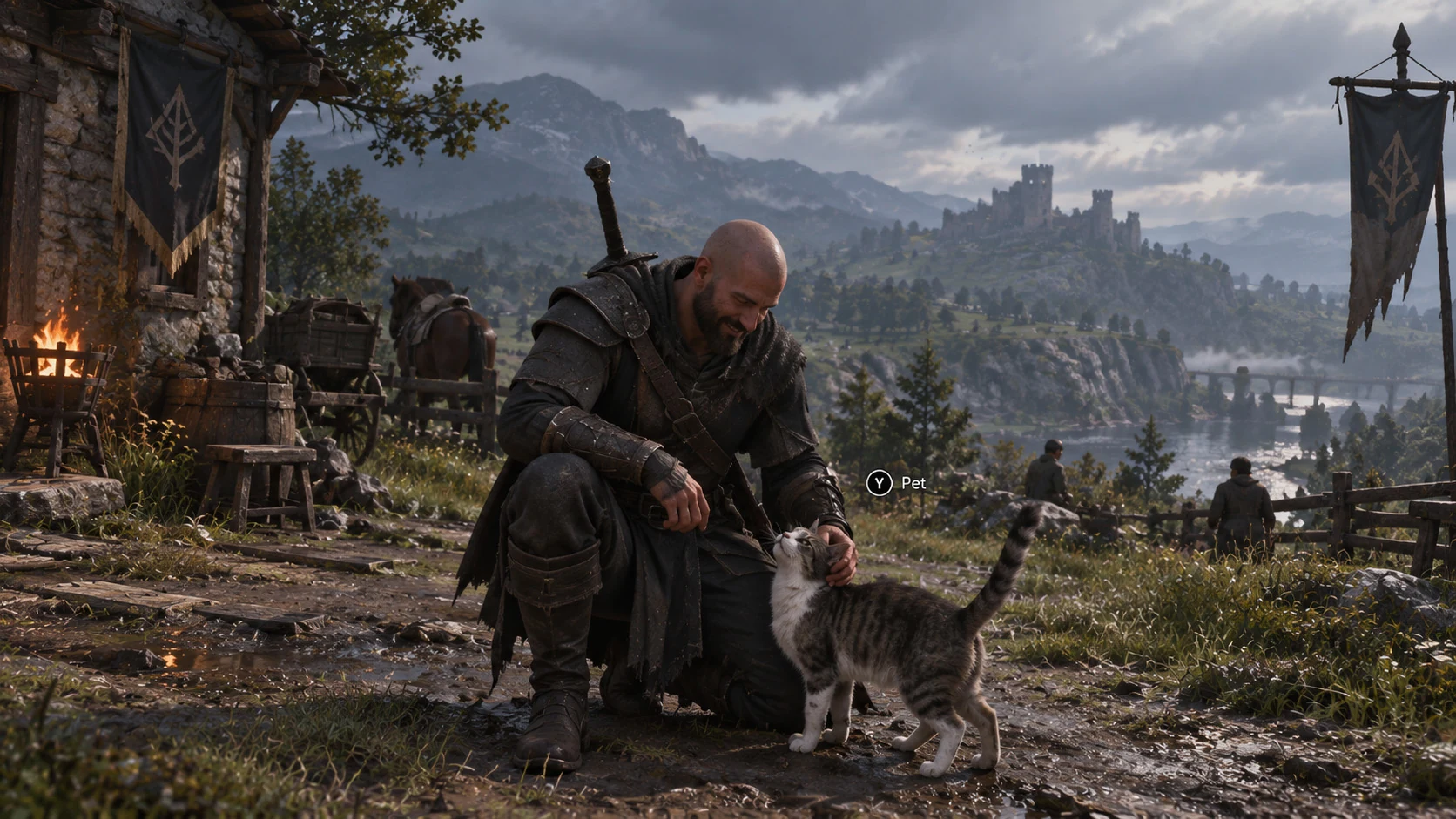
Always pet the catIron ValeYesterday
Moment saved
18:42
Chat went wildFPS streamYesterday
32:06
A little exploringNorthwatchLast week
41:20
Perfectly normal parkingMarvelous Tenacious Autotheft: OnlineLast week
15:38
The wrong doorHollow HouseLast month
28:54
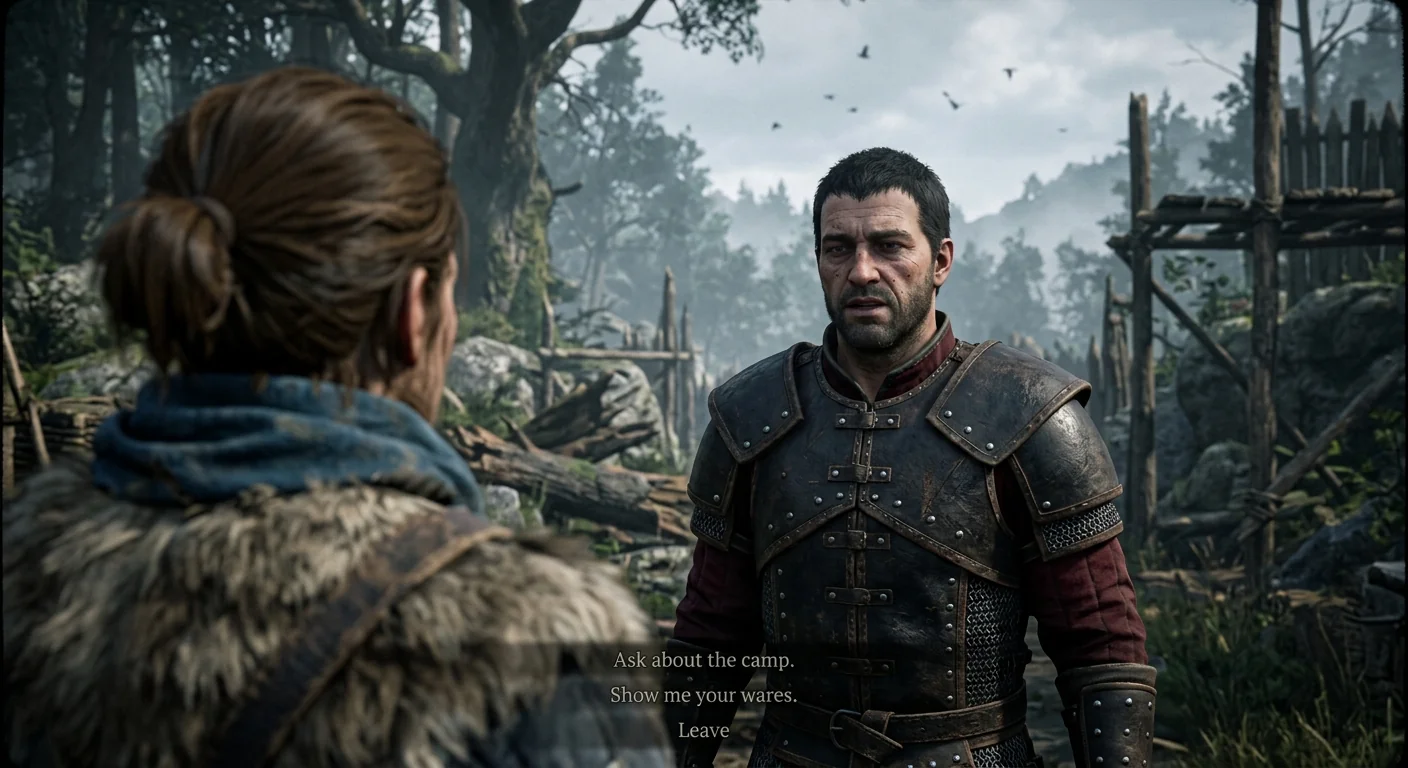
Camp conversationIron ValeLast month
Example library · Grid or list, your choiceSynthetic gameplay for showcase purpose
02 / Save it without copying it

All the moments.
No duplicate videos.

Mark a start and an end, give the moment a name, and save a slice. Make as many moments as you need from the same recording.

No extra video storage.Slices remember where the moment is. They do not copy the video.

Only small library records are saved. Previews, optional proxies and exported clips still take storage space.

taperatOne recording. Three moments.
NorthwatchFriday night · 32:06
Original recording
00:04:18The perfect dodge8 sec
00:12:42That was close.12 sec
00:28:06One last fight6 sec
Three slices. Still one video file.
Illustrated workflowSynthetic gameplay for showcase purpose
03 / Send it to your crew

Keep the moment.
Skip the rest.

Mark where it starts and ends. Give it a name. Export just that bit as a landscape or portrait clip, ready to share wherever you like.

Saved moments are called slices. Keep them in your library to use again; export a video file only when you want one.

Source qualityVP9AV1

Keep source quality without re-encoding when possible, or choose VP9 / AV1. Export in 16:9 or 9:16, with blurred or black backgrounds for vertical clips.

Export compatibility

Pick a place to share.

Source quality keeps the original codec when no re-encoding is needed. It is not a universal upload format.

TikTok

Source quality
H.264 / H.265 / VP8 / VP9 listed
VP9
Listed in upload API
AV1
Not listed in upload API

TikTok documents MP4, WebM and MOV uploads. H.264 is recommended. These are Content Posting API specifications; the app upload flow may differ.

Platform documentation

Checked September 13, 2026. Container, audio, size and account limits also matter. Platforms may recompress your video. This guide does not upload or convert files.

taperatOne moment worth keeping
Example gameplay: combat in a snowy villageNorthwatch Recordings / Story The perfect dodge
00:1200:18
6 sec
One clip. Ready to share.Export the moment, keep the original.
Try the two export formatsSynthetic gameplay for showcase purpose
Try the full three-step walkthrough
01 / Import your files

Same recordings. A much better view.

Start with the recording folders you already have. taperat adds them to your library without moving the files.

Scan your entire recording library at once, drag and drop recordings into your taperat folders, or let Recording Detection add them automatically as you record.

Browse in a grid or list, create your own folders and subfolders, and move recordings between them whenever you like. Organise your library your way.

File Explorer
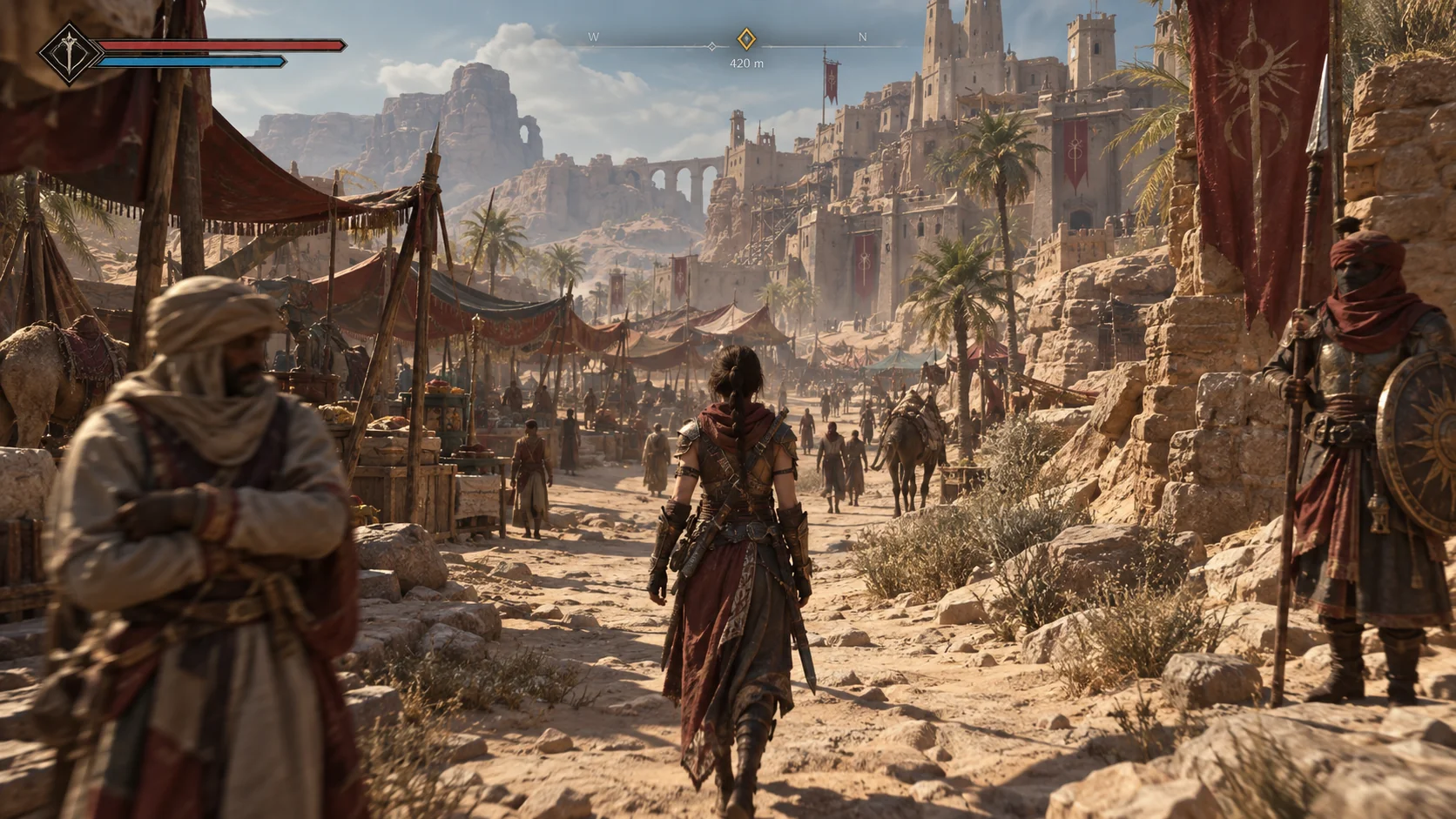
Recordings / Sands of Orra
NameLength
Sands_of_Orra_01.mp424:18
Sands_of_Orra_02.mp418:42
Sands_of_Orra_03.mp432:06
taperatYour library
Sands of Orra
Sands_of_Orra_01.mp424:18 · Recording
Sands_of_Orra_02.mp418:42 · Recording
Sands_of_Orra_03.mp432:06 · Recording
Interactive illustration · No files are uploaded or changed.Synthetic gameplay for showcase purpose
There is more when you want it.

From a funny clip to your next big video.

Everything you need to build a library and put it to work.

LibraryReuse slices across videos
SearchFind dialogue and tagged moments
SessionsReview recordings together
MarkersLabel chapters and thumbnail moments
Perception EngineImprove transcripts automatically
MCP BridgeFind scenes and automate tasks
Tags & CollectionsOrganise every project
Recording DetectionCatch new recordings as you play
ProxiesCreate smoother previews on demand
Editor handoffSend moments to Resolve or Premiere
Source ProtectionKeep originals untouched
FoldersYour own structure, grid or list
Low requirementsStay ready in the background
ExportSource quality, VP9 or AV1
Step up your game.
Your recordings are a good place to start.

Make your next good moment count.

Get taperat

A couple of good questions.

Does taperat record my gameplay?

No. Keep using OBS, ShadowPlay, or your favourite recorder. taperat helps you organise and use the videos they create.

Will it change my original recordings?

No. Your files stay where they are. Saved slices reference the moments you choose; exporting creates a separate clip.

Can I search what someone said?

Yes. Search your transcripts for a spoken line and jump straight to its moment.