Choose your workflowFor creators & streamers

Your footage.
A library that works for you.

A desktop footage library for recordings and stream VODs you already have. Search dialogue, titles and tags to rediscover scenes. Save reusable slices without duplicating footage, then send them to Resolve or Premiere.

taperat evolves with you.

Join our Discord and help shape the next features for creators and streamers.

This is only the beginning. We have so much more to share with you.

Discord invite coming soon.
taperat100 recordings. One scene worth keeping.
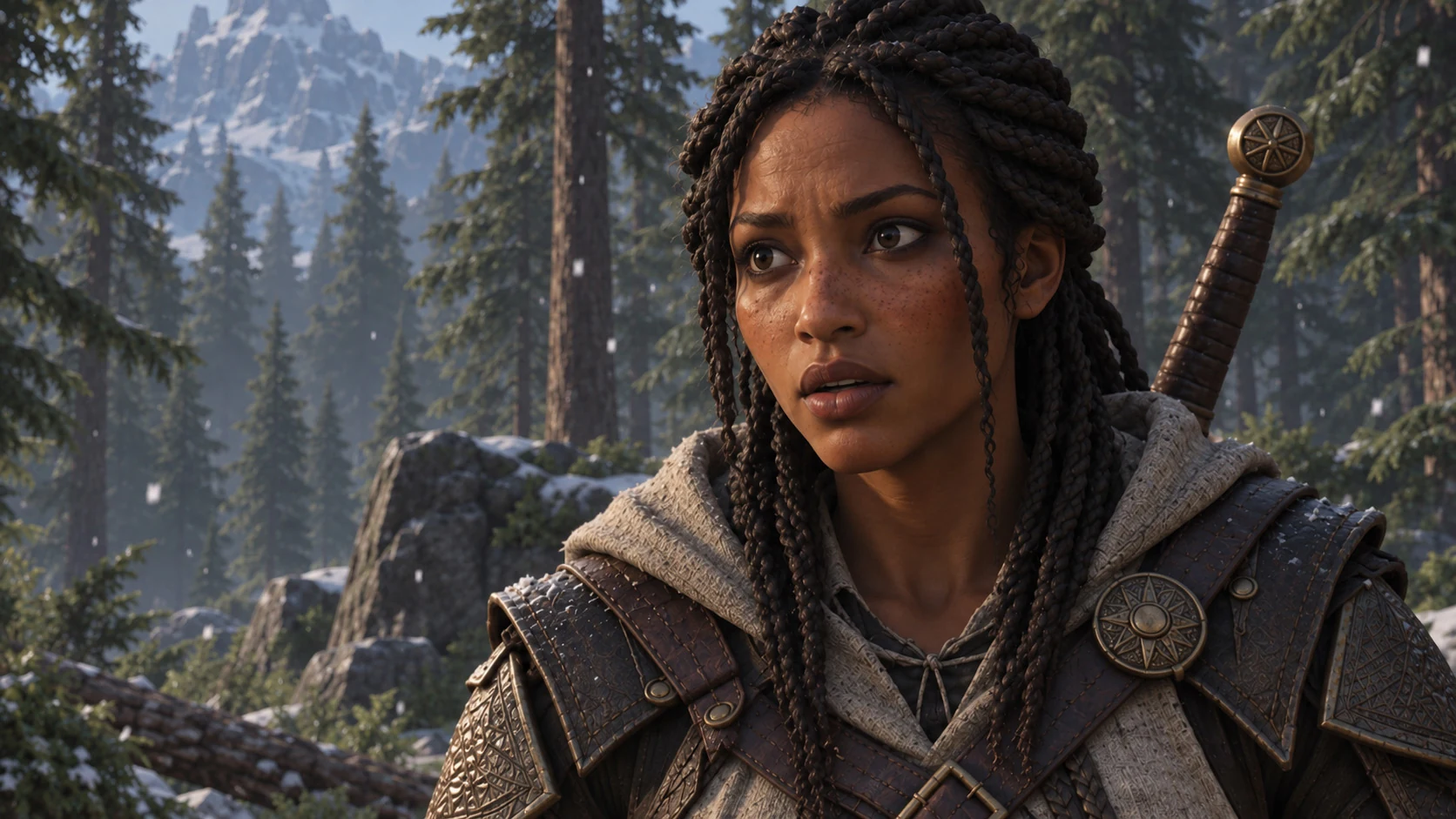
Example gameplay: Maya speaks during a forest conversation
Recordings / Story
Maya's warning
Explore the moments
100 recordings · 1 session3 hours
Full session
Zoom into one minuteRecording046 / 100
15sec
Save just this scene as a slice
Maya's warning
15sec
A slice from your session. No duplicated video. Ready to export or send to your editor.
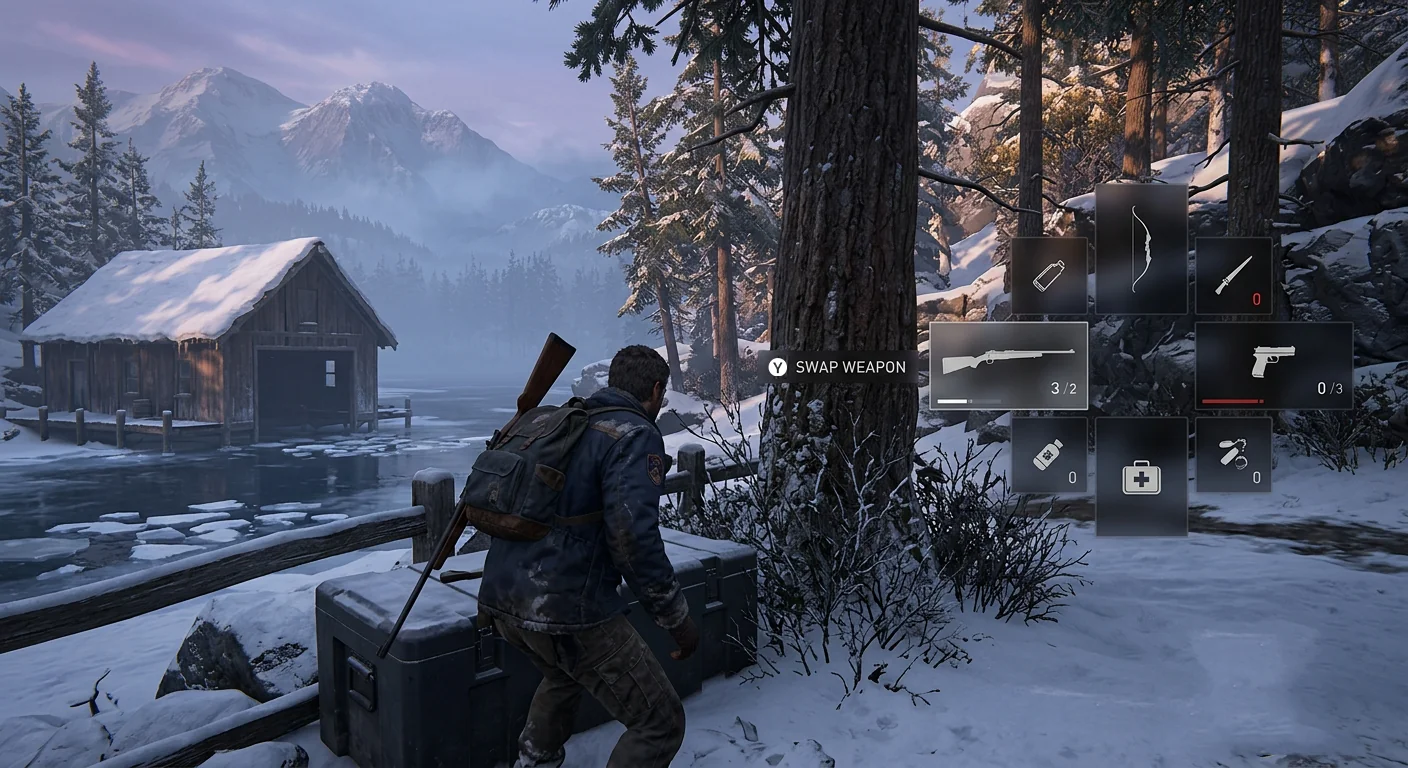
Illustrated workflowSynthetic gameplay for showcase purpose
The full toolkit

From a pile of recordings
to a working library.

Organise recordings. Find moments. Save slices. Reuse them in your next edit.

Features

Folders

Your folders. Your way.

Scan your recording folders, drag files into taperat, or build your own structure. Move recordings, sessions and slices freely between folders and subfolders.

  • Automatic detection or your own folder hierarchy
  • Grid and list views for your entire history
Folders
GamesRecordingsStory
Story3 items
Sands_of_Orra_01.mp4Recording · 24:18
The outpost chapterSession · 3 recordings
Hidden passageSlice · Exploration
Move files, recordings, sessions and slices between your own folders.
Search

Search transcripts, titles, tags, collections, games and filenames. Follow a transcript hit straight to the corresponding timecode.

  • Search dialogue across your library
  • Navigate matching recordings and slices
Search
transcript…that was a clean headshot from the roof…Northwatch · 1:14:03
titleHeadshot chain · 4xB.R.U.H. · slice
tagheadshot7 slices
collectionFrags4 slices
transcript…nope, headshot again, he is done…Hollow House · 0:22:48
Slices

One great moment. Any number of videos.

Mark exact in/out points and save a slice with a title, description, colour, tags and collections. Reuse it in every project without copying the source video.

  • Frame stepping and precise ranges
  • Send slices to Resolve Studio or Premiere Pro
  • Export a separate clip only when you need it
Slices
SlicesSession · B.R.U.H.
100 recordings · 3 hours · Save only the scenes you want

Shootout

B.R.U.H.0:02.93
Combat

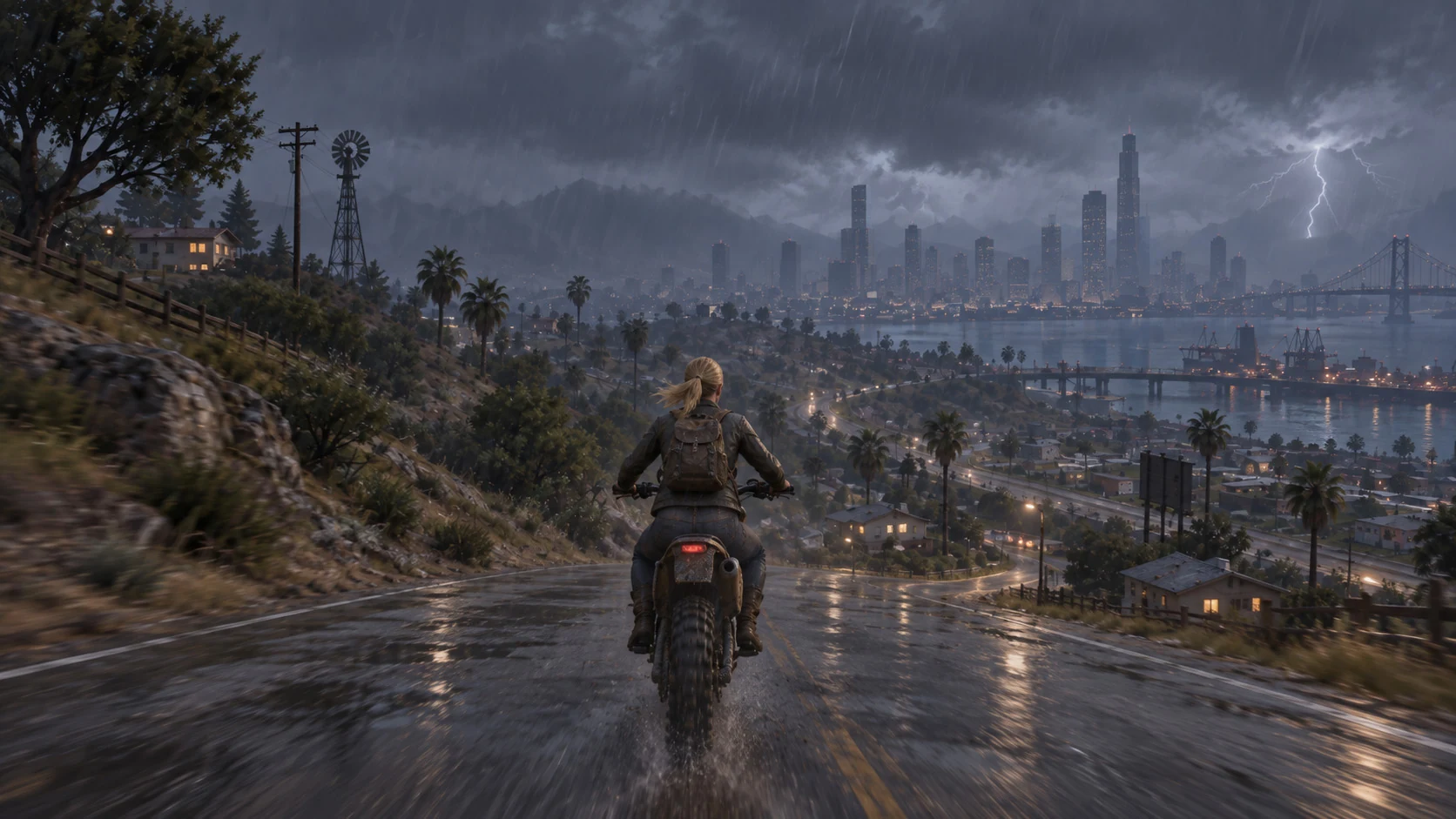
Highway escape

B.R.U.H.0:08.41
Story
ShootoutSaved to Library
00:1400:1600:1800:20
INOUT
In 00:15.20Out 00:18.13Duration 0:02.93
Synthetic gameplay for showcase purpose
Editor handoff

Already found. Already trimmed. Straight to your editor.

Send ready-to-use slices directly to DaVinci Resolve Studio or Adobe Premiere Pro. The moments you picked in taperat arrive with their precise in/out points, ready for your edit.

  • Build a new timeline or insert at the playhead
  • Keep the exact ranges you already selected
  • DaVinci Resolve Studio or Adobe Premiere Pro 26.3+
Editor handoff
Your slices. Ready to edit.3 selected
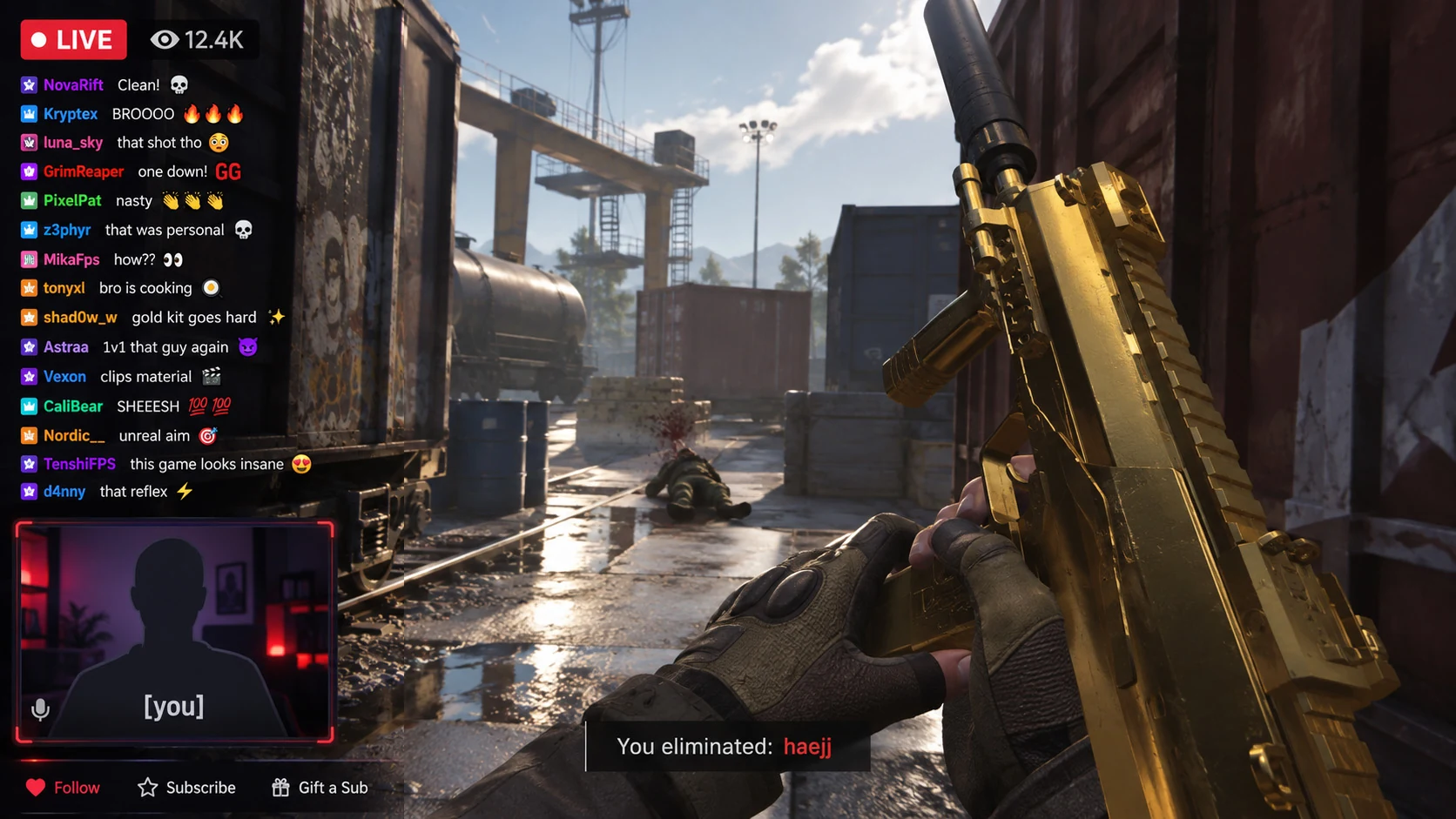
Chat went wild00:04:18 → 00:04:26
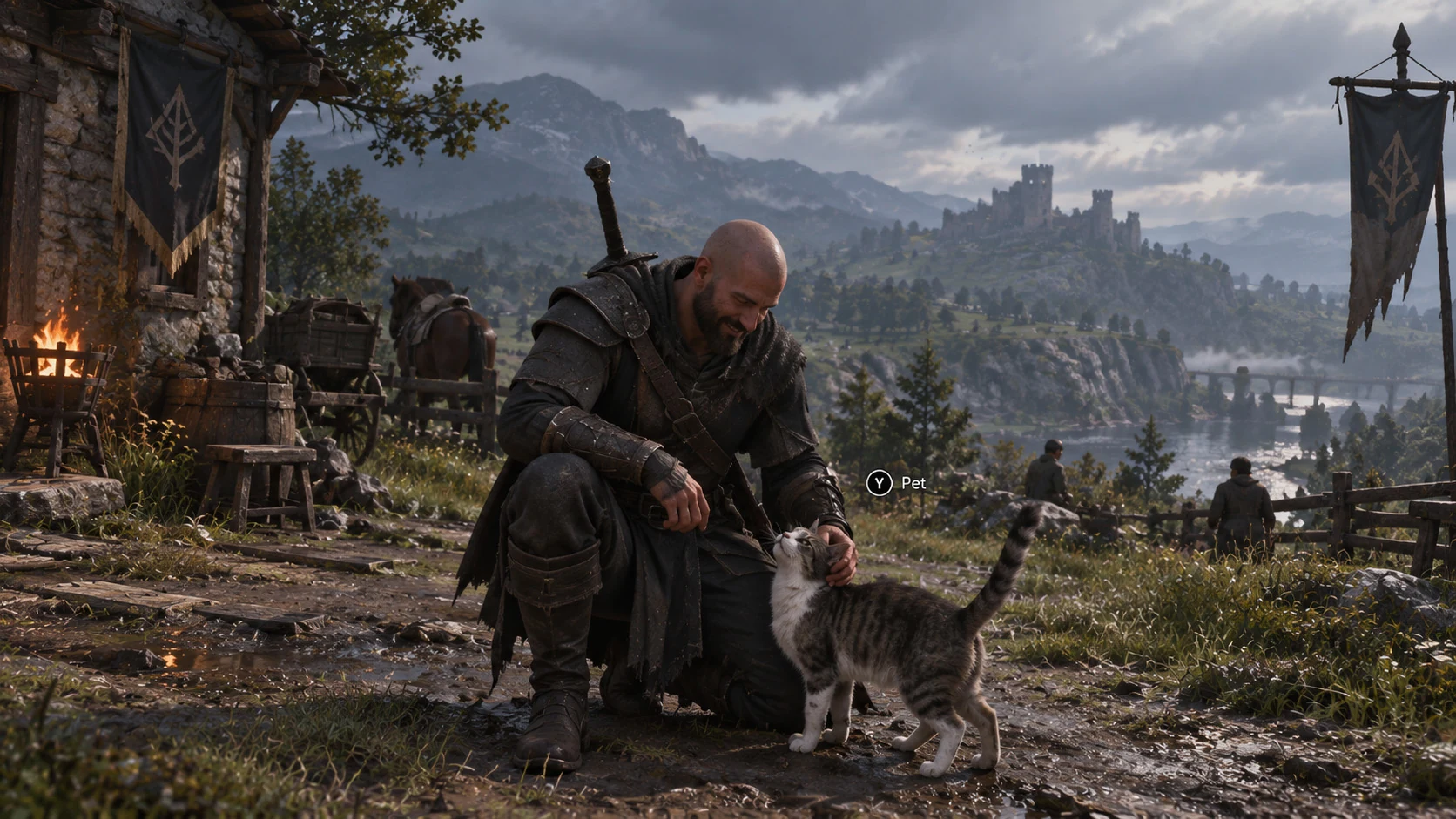
Always pet the cat00:12:42 → 00:12:49
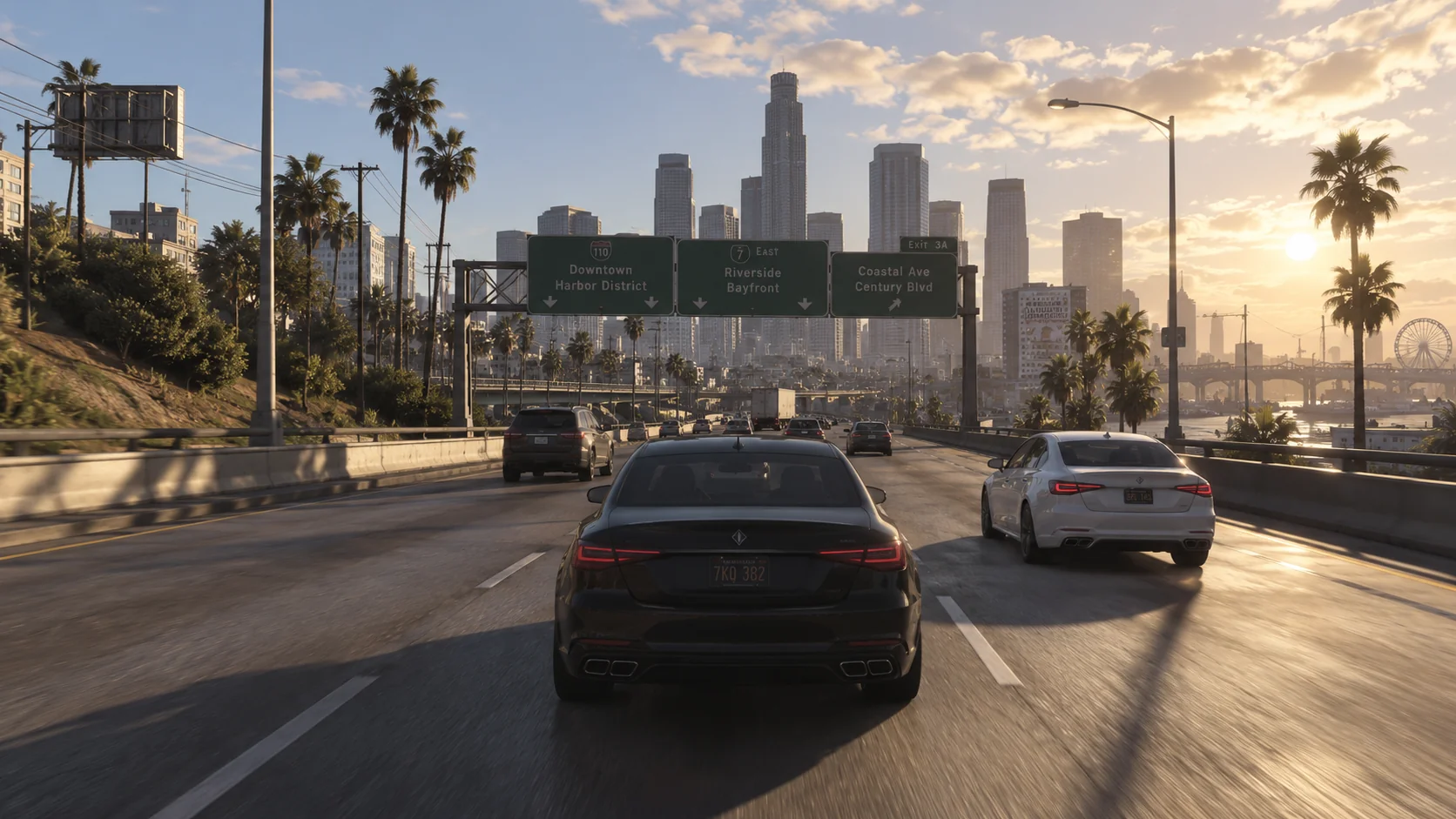
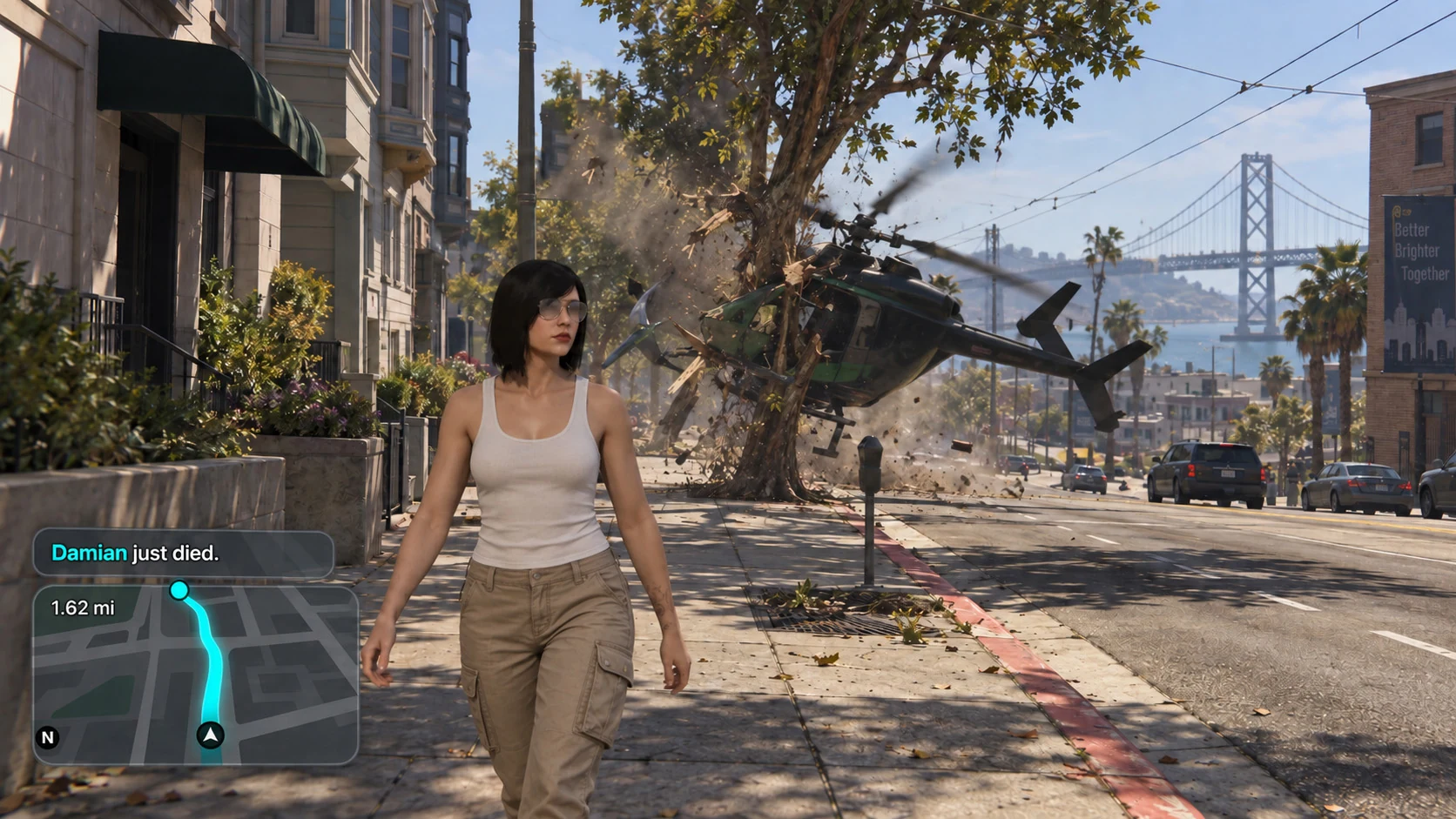
Perfectly normal parking00:18:42 → 00:18:50
DaVinci Resolve StudioNew timelineInsert at the playhead
or
Adobe Premiere ProNew timelineInsert at the playhead
Ready on your timeline
Chat went wildAlways pet the catPerfectly normal parking
Saved in/out points travel with your slices.
Synthetic gameplay for showcase purpose
Sessions

Several recordings. One continuous story.

Bring compatible recordings from any folder into one session timeline. Review the whole recording run and save moments that cross file boundaries.

  • No single-folder restriction
  • No merged video file to store
  • Open a single recording whenever that is all you need
Sessions
Session · B.R.U.H.124 compatible recordings
Sources: Story + Sidemissions · Compatible recordings across folders
8:589:049:109:169:229:28
B.R.U.H._001.mp4
B.R.U.H._002.mp4
B.R.U.H._003.mp4
B.R.U.H._004.mp4
Markers

Four hours of footage. Know where everything happened.

Drop a marker at a single point in time. Name a section, flag a frame for a thumbnail, or give a long timeline a clear structure. Use a compatible LLM through MCP Bridge to help divide footage into quests, recording days and story beats with markers.

  • Mark a moment without creating a slice
  • Label chapters, quests and recording days
  • Keep thumbnail ideas tied to the right frame
Markers
Four hours. A clear map.Northwatch · 4:00:00
01:42:08Thumbnail idea
00:0001:0002:0003:0004:00
00:08:12Day 1 · Arrival
01:07:24Quest · The northern gate
01:42:08Thumbnail idea
02:45:10Day 2 · Back to the village
One marker = one point in time.
Synthetic gameplay for showcase purpose
Library

Build once. Keep coming back.

Keep a reusable library of moments across projects. Your next video can start with the scenes you already found, named and organised.

  • Find moments by title, tag or collection
  • Reuse clips across multiple videos
Library
LibraryAll saved slices59 slices

Chat went wild

FPS stream0:08.00
Key moments

Always pet the cat

Iron Vale0:06.00
Easter-eggs

Perfectly normal parking

Marvelous Tenacious Autotheft: Online0:08.00
Glitches

Shootout

B.R.U.H.0:02.93
Combat

Highway escape

B.R.U.H.0:08.41
Story

Forest Easter-egg

Northwatch0:04.26
Easter-eggs
Saved in your library Available in every project
Synthetic gameplay for showcase purpose
Tags & Collections

A place for every good idea.

Group footage by topic, episode or project. Combine nested tags, collections, favourites and ratings to build a library that makes sense to you.

  • Colour and describe each slice
  • Keep clips for several projects organised together
Tags & Collections
Collections
Combat
Glitches
Key moments
Easter-eggs
Story
Tagshierarchical · inherited on search
CombatCombat › SwordCombat › BowSands of OrraglitchheadshotDialogueB-rollStory › CutsceneReaction
Combat
21
Dialogue
12
Discoveries
8
Source Protection

Your originals stay yours.

Slices point to moments in your original recordings. taperat stores their organisation in the taperat database, without changing the source videos.

  • No duplicate source videos when saving slices
  • Deleted slices remain archived and recoverable
  • Deletion requires two confirmations
Source Protection
Your recordingsread-only · untouched
taperat databasetitle · in · out · tags
Resolve / Premierereferences, not copies
Files written to your capture folder0
Bytes transcoded or re-encoded0
Deleting a slicetrash → 2 confirmations → archived
Recording Detection

Keep playing. Keep the moment.

Watch your recording folders while OBS, ShadowPlay or your chosen recorder captures the game. taperat detects new recordings and creates slices automatically.

  • Name and tag moments in the taperat overlay
  • Notifications in game, on desktop and in the app
  • No game hooks or injection
Recording Detection
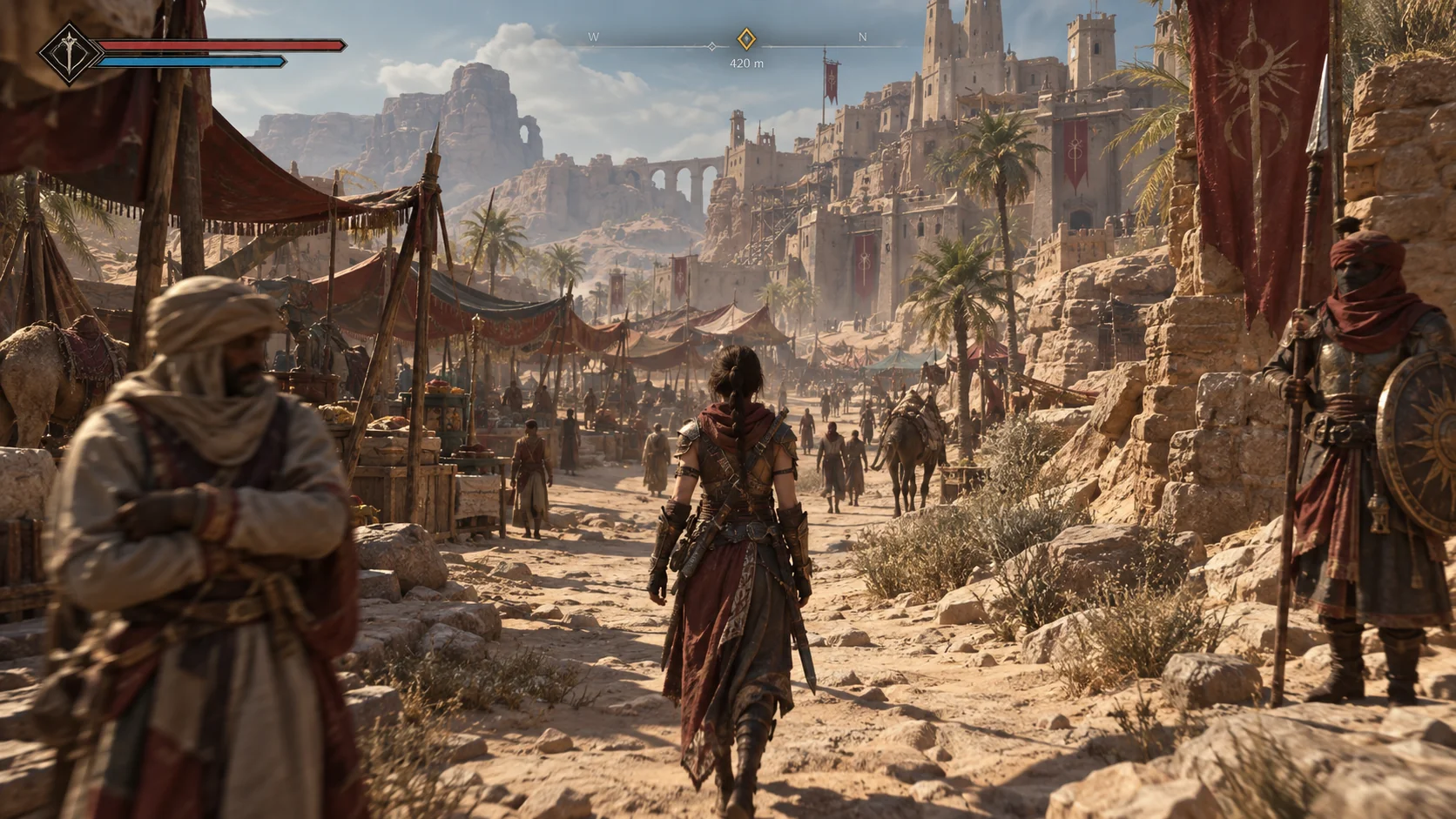
Sands of Orra gameplay
taperat overlayNo game hooks or injection
taperatRecent recordings
Watching D:\Recordings\Sands of Orra
Recording detectedSands_of_Orra_024.mp4 · Just now
00:32
Name
Final fight
Tags
Boss fightB-roll
Collections
CombatKey moments
Slice created automatically · Saved to Library
Hidden passage2 min ago · 00:18
Synthetic gameplay for showcase purpose
Perception Engine

Your transcript. Automatically improved.

Transcription turns speech into searchable text. taperat Perception Engine uses diarisation and OCR to fix transcript errors and assign speakers automatically, including names found in subtitles. All on your computer.

  • Search spoken lines at their exact timecodes
  • Use voices and on-screen subtitles together
  • Local processing; analysis jobs run individually
Perception Engine
TranscriptionPerception Engine
Transcript improved automaticallyProcessed locally
JONText corrected
Before
The harbour record gives us the missing time.
After
The harbour record gives us the missing lines.

Corrected using on-screen subtitles.

Speakers assigned automatically
SPEAKER_00MAYA
SPEAKER_01JON

Diarisation separates voices. OCR supplies character names from subtitles.

MCP Bridge

Ask for the scene. Find your footage.

Connect your chosen compatible LLM to find characters, story beats and funny moments. Use MCP Bridge to create slices and tag recordings as part of your workflow.

  • Automate library tasks through your MCP client
  • Bridge tools run on your computer
  • Cloud LLMs handle the data you choose to share
MCP Bridge
Your MCP clienttaperatConnected
You

Find the final fight in my Sands of Orra recording. Save it as a slice and tag the recording “Boss fight”.

MCP Bridge
Gameplay analysed
Slice saved: Final fight
Recording tagged: Boss fight
Final fightSands of Orra · Combat
00:06.12

Connected to your chosen MCP client

Proxies

Smoother seeking. Same originals.

Generate lightweight proxies on demand when you need smoother playback and seeking. They are stored with your database; original media remains the source.

  • Create proxies when you choose
  • Keep your original quality for the final export
Proxies
Proxy generationOn demand · Started by you
Storage: with your taperat database
B.R.U.H._Session_01.mp4
done
Capture_2026-08-14.mp4
done
Sands of Orra_ep3.mkv
64%
LOITERER2_night_run.mp4
27%
Hollow House_scrim_04.mp4
queued
Export

From your library to the next video.

Export standalone clips in source quality without re-encoding when possible, or encode with VP9 / AV1. Send precise slices directly to your editor too.

  • 16:9 or 9:16, with blurred or black vertical backgrounds
  • DaVinci Resolve Studio and Premiere Pro 26.3+
  • New timeline or insert at the playhead
Export compatibility

Pick a place to share.

Source quality keeps the original codec when no re-encoding is needed. It is not a universal upload format.

TikTok

Source quality
H.264 / H.265 / VP8 / VP9 listed
VP9
Listed in upload API
AV1
Not listed in upload API

TikTok documents MP4, WebM and MOV uploads. H.264 is recommended. These are Content Posting API specifications; the app upload flow may differ.

Platform documentation

Checked September 13, 2026. Container, audio, size and account limits also matter. Platforms may recompress your video. This guide does not upload or convert files.

Export
Export · Shootout6.47 s · 3840×2160 source
Synthetic gameplay in landscape format
16:9
Synthetic gameplay in a portrait layout
9:16 · blurred
Aspect
16:99:16
Codec
Original · no re-encodeVP9AV1
Background
BlurredBlack
Synthetic gameplay for showcase purpose
Low requirements

Ready when you are.

Keep Recording Detection and MCP Bridge available in the background. Idle resource use is light; transcription, analysis and exports use more resources while running.

  • Example readings are illustrative, not a guarantee
  • Hardware guidance is on the download page
Low requirements
ProcessesBackground usage
taperatRunning in background
CPU
0%
Memory
179.8 MB
Disk
0 MB/s
Network
0 Mbps
GPU
0%
Capture detectionWaiting for new recordings
MCP BridgeReady for requests

Example background snapshot: 179.8 MB memory, 0% CPU and GPU. Usage varies with your system and workload; active analysis, transcription and exports use more resources.

Editor handoff setup

Use frame stepping and exact in/out points. Send slices to a new timeline or insert them at the playhead. Premiere Pro 26.3 or newer is supported. In Resolve Studio, open a project and set External scripting using to Local in Preferences → System → General.

Your recordings are a good place to start.

Make your next good moment count.

Get taperat